
How Glow Period & Fertility Tracker works
Upward Labs Holdings Inc. · Health & Fitness
Android
What it does
Period, ovulation and fertility tracker with predictions, daily logging, insights, community and a shop.
Who it is for: A period, ovulation and fertility tracker for people who want to track cycles, log daily health details, and join a community.
Key features
Onboarding quiz
Long cycle-profiling quiz with educational interstitials.
Daily log
Log sex, tests, CM, moods, symptoms, sleep, pill, spotting, weight.
Today dashboard
Cycle strip, prediction, analysis and insights.
Community
Interest picker, groups and a feed.
Paywalls
Three stacked paywalls shown on closing, up to a free-trial offer.
Shop and inbox
Store tab and inbox.
The main user flow
- Sign in with Google then profile quiz
- Log a day
- Read cycle analysis
- Browse community
- Navigation
- Bottom tabs: Today, Community, BFFs, Shop, Inbox; side drawer and a floating + for the daily log.
- Onboarding
- About 30 steps of questions and explainers ending in a paywall.
- How it makes money
- Freemium: Premium quarterly $47.99 / yearly $83.99, discounted and free-trial paywalls, in-app shop.
Screenshots
10 of 63 screens, captured on a real phone with sample data.
BFFs tab (landing) Moods Cycle analysis Goal question Today tab Premium paywall We'll help you Side menu Share sheet Notifications permission - +53 more screensFree with an account
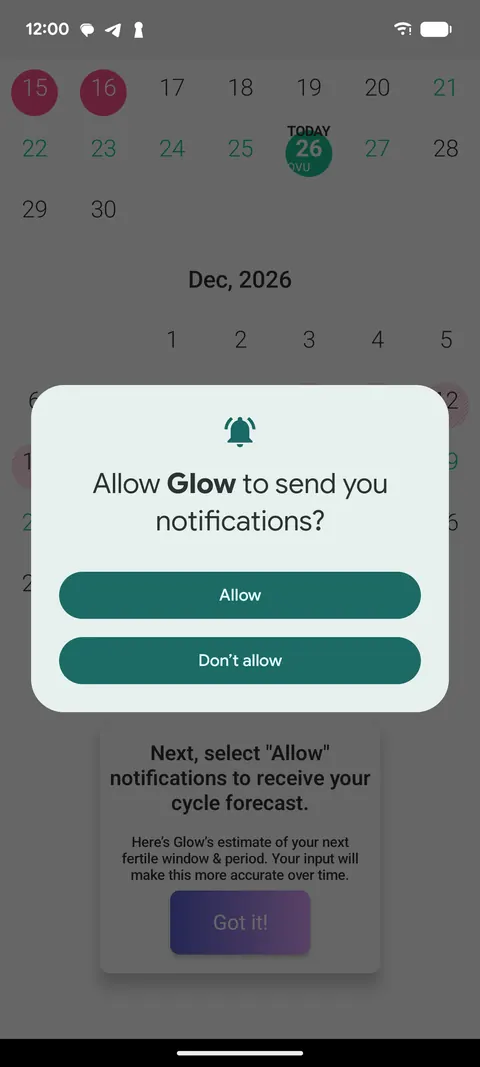
Screenshots: © Upward Labs Holdings Inc., shown for commentary.
See all 63 screens — create a free accountSee every screen
The full map has all 63 screens, every feature and where each one lives. It is free with an account.
What could be better
Our read of the map, the store listing and recent reviews.
Show one paywall after the first win, not three stacked on closesmall fix
Closing the first paywall opens a discount paywall and then a free-trial paywall. Reviews say it feels like pop-ups on every open. Show one offer, after the user has logged a day or seen a prediction, and stop stacking on dismiss.
Let free users log and see the calendar without a Premium gatemedium
Reviews say basic logging and the calendar now sit behind payment. Keep daily logging, the calendar and the cycle strip free, and gate only extra analysis. Make the locked parts clear before the user taps.
Make sign-in recovery self-service and keep purchases tied to the accountmedium
Users lose access after a new phone or reinstall, and lifetime purchases vanish. Let users recover with Google or email without support, and restore purchases on sign-in. Show the entitlement status before any paywall.
Keep predictions stable and let users correct them in placelarge
Reviews say predictions drift after years of data and users cannot send corrections. Show the source data behind each prediction, let users edit a cycle start, and recalculate in place without wiping history.
Cut the 27-step onboarding so the first prediction shows soonermedium
About 27 screens of quiz and explainers come before any value, and the notification permission screen is in the middle. Ask only for the fields the forecast needs, move explainers to after first use, and show a forecast within a few steps.
Make the daily log and calendar reachable in one tap from launchsmall fix
Reviews say the daily log button is hidden during ovulation and that logging past days takes many taps. Keep the log button and calendar fixed on the Today tab, and keep the side menu reachable from a standard control.
Fix launch crashes and freezes before adding featuresmedium
Reviews report the app will not open, closes on its own, or freezes after an update. Ship a crash-free launch path, test on new Android versions, and show a clear recovery step when the local data cannot load.
Want an app like this, but better?
Tell us the idea. We research it, and build it for you.
Submit your idea