
How Letterboxd works
Letterboxd Limited · Social
Android
What it does
Social film diary: log, rate and review films, make lists, follow friends.
Who it is for: Film fans who want to log, rate, and review movies, make lists, and follow friends in a social film diary.
Key features
Browse and search
Popular films, reviews, lists, journal, search and browse.
Product tour
Six-page tour ending in sign-in options.
Account creation
Email sign-up form; blocked by captcha at submit.
The main user flow
- Browse popular films
- Search a film
- Open film detail
- Navigation
- Three bottom tabs: Welcome/account, Popular (with Films/Reviews/Lists/Journal), Search.
- Onboarding
- Six-page tour then sign in, create account or skip; browsing needs no account.
- How it makes money
- Free with Pro and Patron subscriptions and ads (not shown signed out).
Screenshots
10 of 21 screens, captured on a real phone with sample data.
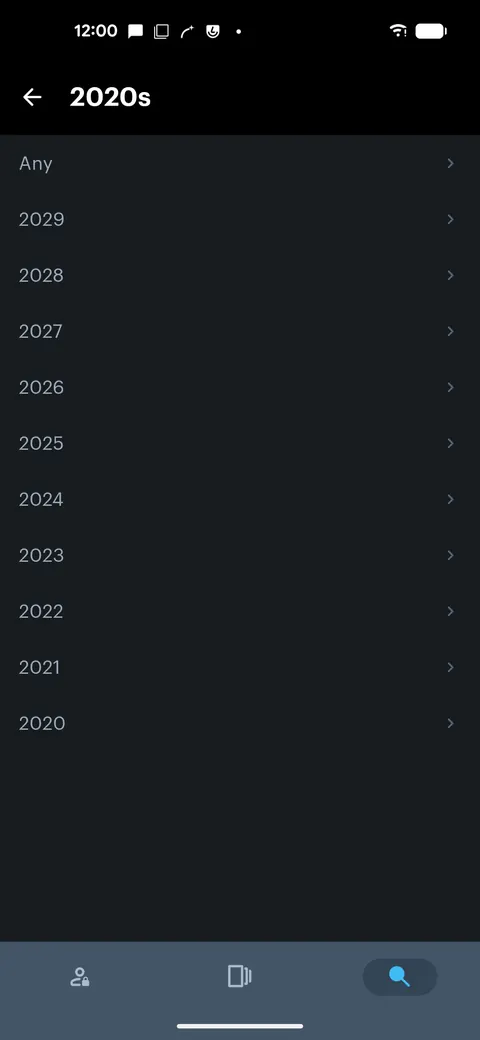
Popular films Browse by release date Film detail Join Letterboxd Search Popular reviews Tour 1: track films Tour 6: sign in / create account Privacy choices Browse 2020s - +11 more screensFree with an account
Screenshots: © Letterboxd Limited, shown for commentary.
See all 21 screens — create a free accountSee every screen
The full map has all 21 screens, every feature and where each one lives. It is free with an account.
What could be better
Our read of the map, the store listing and recent reviews.
Stop ad placements from opening other apps or websites during scrolling and review writingmedium
Many 1-2 star reviews say ads open other apps or sites while scrolling or writing reviews, even without a tap. Ads are part of the free tier. Keep ads in fixed slots that cannot launch external apps without a deliberate tap, and show a clear confirmation before any leave-app action.
Rebuild sign-in and account creation so users can recover access without a dead endmedium
Reviews describe login errors, lost sessions after updates, and a sign-up form with no next button. Sign-up is blocked by a captcha puzzle. Offer email sign-in, a visible next or submit step after the terms, and a session that survives app updates.
Fix crashes and error pages on film detail, search and browse before adding featureslarge
Reviews report frequent crashes, timeouts and generic error pages when opening films, so users cannot browse or log. Set a stability target, monitor crashes per release, and ship a retry path with a clear offline state instead of a dead error screen.
Autosave review drafts while typing and restore them when the editor reopenssmall fix
Reviewers say drafts disappear when they switch apps, and unpublished reviews are cleared. Save drafts locally on every change and keep them until the user publishes or deletes them, so writing a review survives app switching.
Add a one-tap decline-all control to the cookie and privacy dialogsmall fix
The sign-up cookie dialog is described as heavy, and a reviewer had to disable each vendor separately. Show accept-all and decline-all buttons at equal weight on the first screen, with per-vendor options behind a secondary link.
Show what the paid tier adds and its price before any charge, with no change to free loggingsmall fix
A reviewer asks why they would pay for something that used to be free. Show the free feature set, what Pro or Patron adds, and the price range on the subscription screen before purchase, and keep core logging free.
Make browse and search filters persist and work across release-date and upcoming listsmedium
Reviewers say filters reset and that filters in a list stopped working. Keep the chosen filter while moving between results, decades and years, and test filters on the upcoming list before release.
Want an app like this, but better?
Tell us the idea. We research it, and build it for you.
Submit your idea