
How Withings Health Mate works
WITHINGS · Health & Fitness
Android
What it does
Health tracking companion for Withings scales, watches and BP monitors with manual logging and Withings+ programs.
Who it is for: Health tracking companion for people who use Withings scales, watches, or blood pressure monitors, with manual logging and Withings+ programs.
Key features
Account and profile setup
Google sign-in, profile, consents.
Achieve and Share tabs
Programs, library, sharing.
Manual logging
Blood pressure entry and charts.
Profile and settings
Settings pages.
Device setup
Product chooser; stopped before install.
Withings+
Paywalls on insights.
The main user flow
- Sign in with Google
- Log blood pressure
- Browse Achieve programs
- Navigation
- Bottom tabs Home, Achieve, Share; avatar for profile and settings; Add button for devices.
- Onboarding
- Sign-in, profile, health-data and terms consent, MFA offer, Health Connect promo, device chooser.
- How it makes money
- Free app, Withings+ 14-day trial then $8.29/month yearly or $9.95 monthly.
Screenshots
10 of 46 screens, captured on a real phone with sample data.
Home with data Choose product Blood pressure detail Achieve Withings+ paywall Settings Intro Add data Continue with Birthday picker - +36 more screensFree with an account
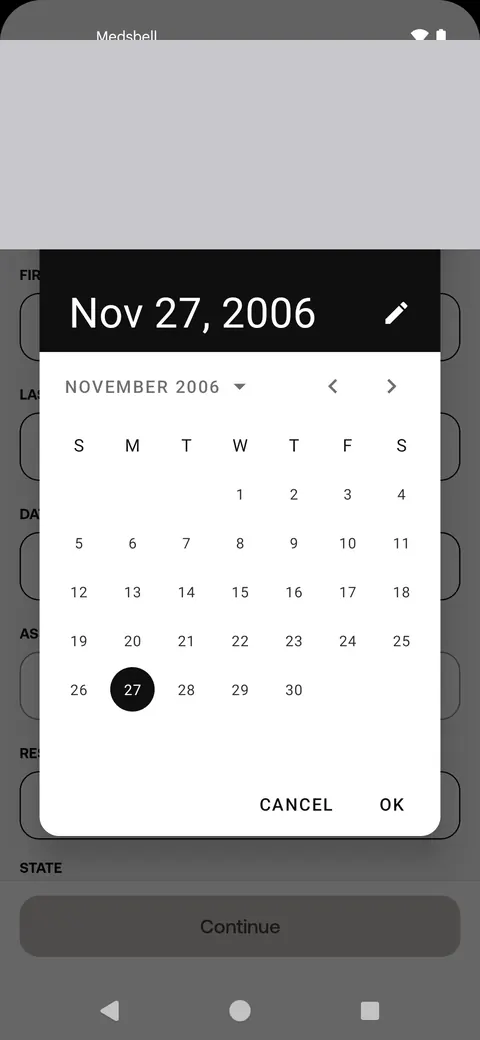
Screenshots: © WITHINGS, shown for commentary.
See all 46 screens — create a free accountSee every screen
The full map has all 46 screens, every feature and where each one lives. It is free with an account.
What could be better
Our read of the map, the store listing and recent reviews.
Keep Health Connect export free instead of gating it behind Withings+medium
Reviewers say syncing data to Health Connect now needs a paid plan. Keep basic export free and put only advanced analysis behind the paywall.
Add a one-tap cancel subscription path in account settingssmall fix
Users say cancelling is hard to find and needs many steps. Show a clear cancel action on the account page, with the subscription status shown beside it.
Reduce background battery use and home screen load timemedium
Reviewers report heavy battery drain and long freezes after opening. Limit background work by default and render the home screen from cached data first.
Make phone sync reliable and show the last successful sync timelarge
Users report data that stops updating for days and sync that breaks randomly. Show last-sync status and retry failed syncs automatically, and tell the user when data is missing.
Guide device pairing step by step with live connection feedbackmedium
Users struggle to connect devices and get no feedback on sensor or pairing state. Show each pairing step with a clear status and a specific fix when it fails.
Make intro and consent screens skippable and show them only oncesmall fix
Users say intro screens reload at every login and cannot be skipped. Show consent and tutorials once, allow skipping, and keep the rest of onboarding short.
Let users hide Home cards and keep full weight chart detailmedium
Reviewers call the home layout a confusing mess with little customisation, and say a recent update removed the trend line. Let users pick visible cards and keep the trend line in charts.
Want an app like this, but better?
Tell us the idea. We research it, and build it for you.
Submit your idea