
How Marriott Bonvoy: Book Hotels works
Marriott International, Inc. · Travel & Local
Android
What it does
Marriott Bonvoy app: search and book Marriott hotels, manage trips, wishlists and loyalty account.
Who it is for: Travelers who want to search and book Marriott hotels, manage trips and wishlists, and use a Marriott Bonvoy loyalty account.
Key features
Hotel search
Destination, dates, guests, filter, sort
Account
Profile, wallet, preferences
Join
Join and welcome
Hotel detail and rooms
Detail and room list
Wishlists
Create wishlists
The main user flow
- Onboarding and join Bonvoy
- Search destination dates guests
- Filter and sort results with map
- Hotel detail and room list
- Wishlists
- Account and profile hub
- Navigation
- Bottom tabs Home, Book, Trips, Wishlists, Account; profile hub from account.
- Onboarding
- Three-slide onboarding with Join Now / Sign In / Skip, join form, password save prompt, notification and account security prompts, welcome screen.
- How it makes money
- Free app; hotel bookings and points. Use Points toggle and special rates/corp codes.
Screenshots
10 of 34 screens, captured on a real phone with sample data.
Home guest Results with coach mark Join Marriott Bonvoy Search Wishlists Filters Preferences Onboarding Country sheet Secure account - +24 more screensFree with an account
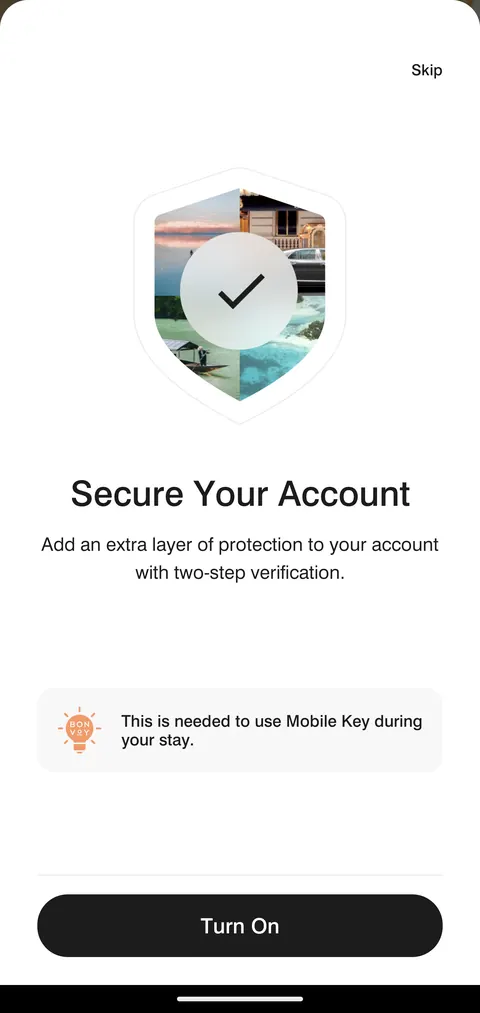
Screenshots: © Marriott International, Inc., shown for commentary.
See all 34 screens — create a free accountSee every screen
The full map has all 34 screens, every feature and where each one lives. It is free with an account.
What could be better
Our read of the map, the store listing and recent reviews.
Fix guest counts and filter results so each result matches the searchmedium
Search shows rooms that do not fit the party size, and a pool filter returns hotels without pools. Validate capacity per room and apply each filter to the results before showing them.
Cut cold-start time so the app opens and shows account info quicklylarge
Reviews say the app takes long to open, freezes and locks up, so members cannot reach their member number or bookings. Prioritise a fast first screen and load account data after it.
Allow card entry for non-US addresses and show a clear error when payment failsmedium
Some members cannot enter card details, and non-US cards cannot be added even with a non-US profile address. Accept country-specific card formats and show the actual failure reason.
Show the full price with all fees before checkout and match the confirmationmedium
Totals at checkout differ from the confirmation email, and a charge appears on arrival. Show taxes and fees as a single breakdown before payment and in the confirmation.
Keep members signed in and let biometrics and trusted devices skip repeat promptsmedium
Members must sign in again and again, and 2FA codes fail with errors hidden under the buttons. Keep sessions across launches, use biometric unlock, and offer a trust-this-device option.
Add in-app chat or support that works from the Trips tabsmall fix
The Chat With Front Desk option shown on Trips is missing for some trips, and customer support is hard to reach. Give each trip a working support entry and a reachable help page.
Make the wallet load reliably and show points balance when it failsmedium
The Wallet stays on a loading screen, so members cannot use points at payment. Cache the last balance, show it offline, and show a retry option when the load fails.
Want an app like this, but better?
Tell us the idea. We research it, and build it for you.
Submit your idea