How trivago: Compare hotel prices works
trivago N.V. · Travel & Local
Android
What it does
trivago is a hotel metasearch app that compares accommodation prices across many booking sites for a chosen destination and date range. Users can view hotel details, reviews, photos and map locations, save favorites, compare them side by side, and set price drop alerts.
Who it is for: Travelers who want to compare hotel prices across booking sites for a chosen destination and date range.
Key features
Price alerts
Get notified when prices drop for saved stays.
Price comparison
Compares a hotel's prices across booking sites, including exclusive mobile rates.
Favorites
Save hotels to a favorites list.
Hotel search
Search by destination, dates and guests and see matching hotels.
Map view
Shows matching hotels on a map alongside a list.
Sign in / create account
Prompts to sign in for loyalty deals, rewards and synced favorites.
The main user flow
- Search destination and dates, then browse price-compared hotel results
- Open a hotel to compare prices across sites and view photos, reviews and info
- Save favorites and compare them side by side
- Enable notifications to receive price drop alerts
- Navigation
- Bottom tab bar with Search, Favorites, Notifications and Sign in; hotel details open as a modal sheet with Prices, Photos, Reviews and Info tabs.
- Onboarding
- A sign-in prompt appears at launch with a skip option; permission for notifications is requested when opening the notifications tab.
- How it makes money
- Sponsored and ranked deals appear in results (e.g. 'How payments to us affect ranking' notice); sign-in is pitched for exclusive partner rates and rewards; 'Book & Go' and 'View Deal' links send users to partner booking sites. No ads or paywall seen.
Screenshots
10 of 30 screens, captured on a real phone with sample data.
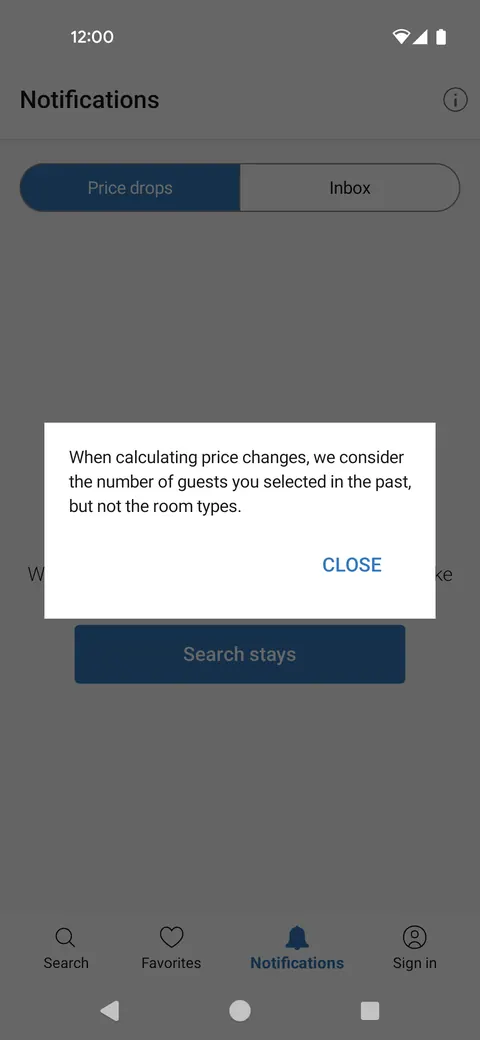
Home - hot deals and search Search results - hotel list Hotel detail - prices Check-in/check-out date picker Destination search Sign-in prompt sheet Share hotel deal Favorites - empty, sign-in prompt Notifications - enable price alerts Price drop calculation info - +20 more screensFree with an account
Screenshots: © trivago N.V., shown for commentary.
See all 30 screens — create a free accountSee every screen
The full map has all 30 screens, every feature and where each one lives. It is free with an account.
What could be better
Our read of the map, the store listing and recent reviews.
Let users search and browse results without signing in; gate only rewards and syncmedium
Sign-in is demanded to see more results and to save favorites, and reviewers quit over it. Allow search, results and price comparison anonymously, and ask for an account only when the user wants rewards or cross-device sync.
Show the final charged price with all fees before redirecting to a partner sitemedium
Users report being charged more than the price shown, and prices changing after a redirect. Keep one price from results through checkout, show taxes and fees up front, and flag any change before payment.
Confirm property name, city and dates on screen before paymentmedium
Bookings were made for the wrong city, hotel or dates, and users found out only after paying. Show the exact property, address and dates in a review step and require confirmation before payment is taken.
Provide a reachable human support and refund path for each bookinglarge
Users say they cannot reach a person, are refused refunds, and face AI-only customer service after payment. Offer a visible human contact channel and a refund request flow tied to each booking in the app.
Verify partner listings before showing them and flag unverified sitesmedium
Users were sent to listings described as scam sites or to unconfirmed booking pages. Check partner listings before ranking them and label unverified sites clearly before a user taps through.
Request notification permission only when a user sets a price alertsmall fix
The notification prompt appears on the inbox tab with little context, before any alert is set. Show what an alert does, then ask for permission at the moment the user taps notify me about lower prices.
Make filters apply reliably and remove the favorites save limitsmall fix
Users report filters not working and a favorites cap that stops new saves. Test filter results against the list and allow saving without a hard cap, or show the limit clearly before it blocks a save.
Label sponsored ranking and show a plain comparison summary beside resultssmall fix
Users cannot find where prices are compared and see heavy advertising. Mark sponsored and ranked deals in each result row and add a short plain-language note on how the compared prices are sourced.
Want an app like this, but better?
Tell us the idea. We research it, and build it for you.
Submit your idea