
How Wolt Delivery: Food and more works
Wolt Oy · Food & Drink
Android
What it does
Food, grocery and retail delivery marketplace: browse venues near an address, build a cart, check out.
Who it is for: People who want food, groceries and retail items delivered to their address from nearby venues.
Key features
Menu and cart
Venue page, item options, cart, checkout (not placed).
Guest browsing
Continue as guest, pick country and manual address.
Discovery and search
Categories, cuisine chips, search, filters.
Orders history
Orders and carts tab.
The main user flow
- Guest browse
- Set address
- Open venue
- Add item
- Checkout (sign-in required)
- Navigation
- Bottom bar: home, search/explore, orders and carts; profile icon top left; category tiles.
- Onboarding
- Welcome with Google/Facebook/email or guest, country, location permission, address entry, address details.
- How it makes money
- Delivery and service fees per order, Wolt+ subscription; no purchase made.
Screenshots
10 of 25 screens, captured on a real phone with sample data.
Home Restaurants Venue page Choose country Search results Explore Other sign-in options Welcome Location permission Register wall - +15 more screensFree with an account
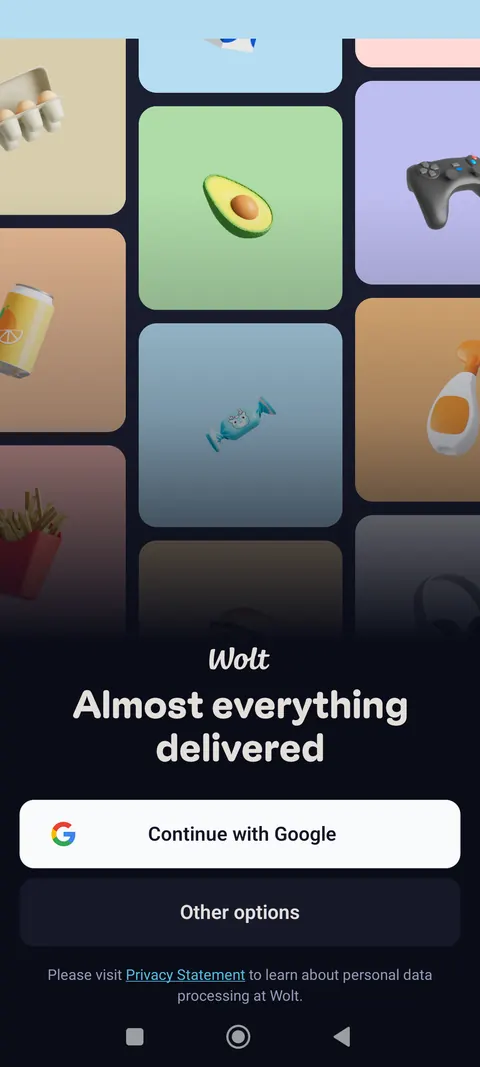
Screenshots: © Wolt Oy, shown for commentary.
See all 25 screens — create a free accountSee every screen
The full map has all 25 screens, every feature and where each one lives. It is free with an account.
What could be better
Our read of the map, the store listing and recent reviews.
Add a refund and compensation flow for missing, cold or wrong ordersmedium
Reviews say support gives no compensation or refund for missing or spoiled orders. Ship an in-order issue form with photo upload and rules that auto-refund known failure types, with a reply deadline shown to the user.
Show a delivery time range that matches what actually happensmedium
Users say estimates are wrong and the real limit sits in small print. Show one honest window, track the order against it, and notify users when it will slip rather than letting the countdown drift.
Show the full price including all fees before the cartsmall fix
Users say total cost ends well above the menu prices after service and priority fees. Show a line-item fee breakdown on the venue page and the cart, and make priority delivery an opt-in choice with its own price.
Filter out venues that do not deliver to the chosen addressmedium
Users cannot tell which venues reach their address and lose favourites after a delivery-area change. Filter the venue list by the active address and show a clear reason when a saved venue is unavailable.
Let guests build a cart and see prices before the sign-in stepsmall fix
The sign-up wall appears only at checkout, after the user has invested in a cart. Keep the cart for guests and ask for sign-in only when the order is confirmed, keeping the saved cart.
Offer language selection and an option to stop automatic menu translationsmall fix
Users report the app forces English and translates menus with no way to change it. Add a language picker in settings, a per-user switch for auto-translate, and keep the original menu text visible.
Show item size and weight in search results and compact menu cardsmedium
Search results hide weight and size, and menu cards are oversized so few items fit on screen. Show size and weight on each result and use a denser grid for the menu category view.
Keep sort and filter on favourites and reorder listssmall fix
A recent redesign removed sort and filter from favourites and order-again lists. Restore those controls on every saved list and keep the same filter chips used in search.
Want an app like this, but better?
Tell us the idea. We research it, and build it for you.
Submit your idea