
How Depop: Buy, Sell & Thrift works
DEPOP LIMITED · Shopping
Android
What it does
Social second-hand fashion marketplace to buy and sell clothing.
Who it is for: People who want to buy and sell second-hand clothing on Depop, a social fashion marketplace.
Key features
Sign-up and onboarding
DOB, username, marketing opt-in, brand and size preferences.
Browse and categories
Category tree, search, product grid.
Product and bag
Item detail, bag, checkout with Google Pay.
Profile and settings
Profile, settings, help centre, notifications.
Selling
Seller onboarding requiring DOB, billing address, PayPal.
Inbox
Chat and offers.
The main user flow
- Sign up with Google, pick brands and sizes
- Browse categories, open an item, add to bag, checkout
- Start selling (age, billing, PayPal)
- Navigation
- Bottom tabs Home / Search / Sell / Inbox / My Depop; bag and likes top right.
- Onboarding
- Google/Email sign-up, DOB, username, marketing opt-in, notification prompt, buy/sell intent, brands, sizes.
- How it makes money
- Seller fees and boosted listings; buyer pays via Stripe/Google Pay.
Screenshots
10 of 31 screens, captured on a real phone with sample data.
Home (feed not loaded) Women categories Product detail (lower part) Sign-up: date of birth Search tab Settings Pick some brands Help center No results found Welcome / sign in - +21 more screensFree with an account
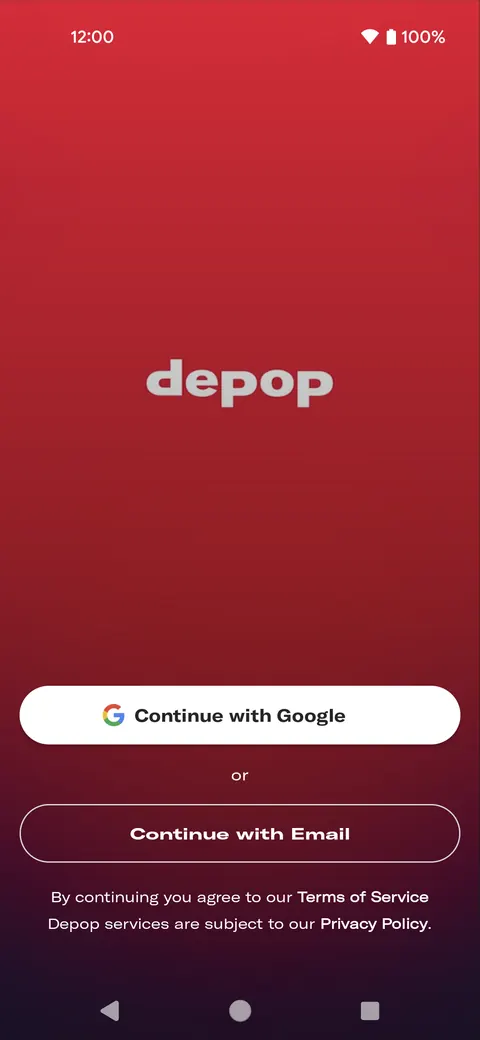
Screenshots: © DEPOP LIMITED, shown for commentary.
See all 31 screens — create a free accountSee every screen
The full map has all 31 screens, every feature and where each one lives. It is free with an account.
What could be better
Our read of the map, the store listing and recent reviews.
Add a reachable human support and dispute path inside the appmedium
Buyers and sellers report support that is hard to reach or unhelpful. Help is a web help centre with search, so offer in-app case tracking with a named contact path and a clear refund or return route.
Fix tap and Google sign-in failures on sign-in and onboardingmedium
Some users find taps do nothing and Google sign-in stalls, forcing email sign-up. Test the sign-in and onboarding screens on current Android builds and make Google sign-in always complete before release.
Show the full price and fees before an offer is acceptedmedium
Buyers report a final price higher than the accepted offer and shipping costs raised without warning. Show the total with shipping and fees on the offer and listing screens, and lock the agreed amount at checkout.
Verify listing authenticity before items go livelarge
Users report replica and counterfeit listings and AI-edited photos. Add a pre-publish check on brand and photo authenticity, and a flag path for suspect listings that is separate from the buyer report flow.
Add location and seller filters with working sort on search resultsmedium
Search filters do not sort correctly, and users cannot filter a seller's items. Default location to the buyer's chosen region, not the account country, and add sort and seller-level filters on the results grid.
Show offer prices in the offers list viewsmall fix
A recent change hid offer prices in the offers list, forcing users to open each one. Restore a list view that shows every offer price together and keep the Chat and Offers layout distinct.
Fill the first home feed from onboarding brand and size pickssmall fix
New users land on an empty feed right after onboarding, though they chose brands and sizes. Seed the first feed from those picks and show a fallback grid of suggested items when none match.
Want an app like this, but better?
Tell us the idea. We research it, and build it for you.
Submit your idea