
How Philips Hue works
Signify Netherlands B.V. · Lifestyle
Android
What it does
Control app for Philips Hue smart lights: rooms, scenes, routines, entertainment sync and a product explorer.
Who it is for: People who want to control Philips Hue smart lights, including rooms, scenes, routines, and entertainment sync.
Key features
Device setup
Bridge question, QR scan, Bluetooth light search and help.
Hue account
Web sign-up with email verification, login, profile and consents.
Settings
Homes, lights, voice assistants, support, preferences, privacy, about.
Main tabs
Lights, Routines, Sync, Explore and Settings.
The main user flow
- Terms, privacy, optional account
- Create account with email verification
- Add lights over Bluetooth or a Bridge
- Routines and sync (need lights)
- Navigation
- Bottom tab bar: Lights, Routines, Sync, Explore, Settings; sub-pages with a back arrow.
- Onboarding
- Terms, privacy notice, optional Hue account, consents, Bridge question and device pairing.
- How it makes money
- Free app; sells hardware via the Hue shop links in Explore.
Screenshots
10 of 38 screens, captured on a real phone with sample data.
Verify your account Lights tab (empty) Tap the device to add Featured product Routines tab Settings Set up a Bridge? About Manage lights (empty) Sign in to a Hue account - +28 more screensFree with an account
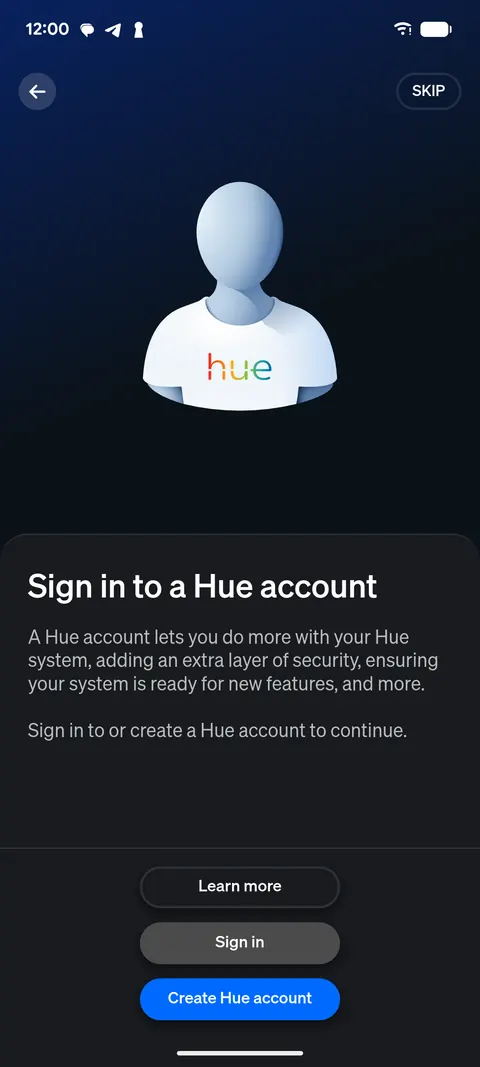
Screenshots: © Signify Netherlands B.V., shown for commentary.
See all 38 screens — create a free accountSee every screen
The full map has all 38 screens, every feature and where each one lives. It is free with an account.
What could be better
Our read of the map, the store listing and recent reviews.
Let users control lights without signing in; make the account optionalmedium
Reviews say sign-in is forced and fails, and the account flow is a Russian-localised web page after an English app. Keep local control usable offline and without an account; offer sign-in only for remote features, in the app's own language.
Replace the Bluetooth light search dead end with a guided pairing flowmedium
Setup is described as painful and lights cannot be found by search. Show a step-by-step pairing check per light type with clear recovery, instead of a 'No lights found' screen that only offers Skip, Help or Try again.
Fix freezes and crashes on launch and in scene and light viewslarge
Users report freezes, crashes and slow response on high-end phones, which blocks basic light control. Ship a performance budget for cold start and light toggling, and test on current Android versions before release.
Show a useful state in tabs before any light is pairedmedium
Most tabs are empty without lights, so a new user sees little value until setup succeeds. Offer a demo home or sample scene that works without hardware, and explain each tab's purpose in plain text.
Remove the store review prompt that routes negative answers to feedbacksmall fix
Users say the rating prompt is repeated and that answering no leads to a feedback form, which reads as a dark pattern. Ask for a rating at most once after a successful task, and let 'no' close the prompt.
Keep core light control free of upsell and subscription promptssmall fix
Reviewers report that control is gated behind a subscription and that the app attempts to upsell. Keep basic control free and show any paid option only on an explicit user action, with the price shown before purchase.
Correct daylight saving time handling in scheduled automationsmedium
Automations run an hour off after time zone or DST changes in some regions. Let users pick an explicit time zone per home and update DST rules from a maintained source, with a visible next-run time in each routine.
Add sunrise and sunset time slots to routines without location sharingmedium
Users ask for sunrise as a timeslot and say sunset automation requires sharing phone GPS. Offer sunrise and sunset from a coarse city or manual location entered by the user, and allow time-based power-on settings.
Want an app like this, but better?
Tell us the idea. We research it, and build it for you.
Submit your idea