
How Medito: Meditation & Sleep works
Medito Stichting · Health & Fitness
Android
What it does
Medito is a free, ad-free, nonprofit meditation and sleep app offering guided meditations (with a choice of narrator voice and length), a structured course, 30-day challenges, emergency sessions for intense emotions, an unguided timer/stopwatch, and sleep content (sleep meditations, sleep stories, meditative music and loopable nature sounds). It tracks a consistency score, streaks and a session history, and is sustained entirely by optional donations.
Who it is for: People who want free, ad-free guided meditation, sleep content, and mindfulness sessions to help manage stress and emotions.
Key features
Customisation
Theme (System/Light/Dark), app icon, home-layout reordering, a home-screen widget and other settings.
Guided meditations
Guided meditation tracks with a choice of narrator voice and length, browsed from home, categories and courses.
Onboarding
A tailored first-run flow: experience question, nonprofit support, reminders setup and a short first meditation.
Stats & streaks
Consistency score, streaks, totals and a session history calendar with editable, backdatable entries.
Account & sync
Optional email-code account to sync progress across devices, with in-app sign out and account deletion. The app is fully usable as a guest.
Reminders
Daily meditation reminders with preset times or a custom time, backed by a notification pre-prompt.
The main user flow
- Tailored onboarding (experience, nonprofit support, reminders, first meditation)
- Browse a category or course and play a guided session (pick voice + length)
- Set an unguided timer/stopwatch with session bells
- Build streaks and review/edit the session history calendar
- Favourite and share tracks
- Optional email-code sign-in to sync progress
- Navigation
- Four-tab bottom nav (Home, Explore, Search, Settings). Home has a consistency ring, a 'start here' course row, an 8-tile category grid and a Featured carousel. Content is folders/packs that drill into session detail then a full-screen player.
- Onboarding
- A 3-step tailored flow (experience question, nonprofit support with a donation page, reminders with a notification pre-prompt), followed by an offer to do a ~2 minute first meditation; everything is usable without an account.
- How it makes money
- No ads and no paywall — fully free. Funded by optional one-off or recurring donations (Google Pay / card / PayPal), surfaced in onboarding, after sessions and in settings.
Screenshots
10 of 58 screens, captured on a real phone with sample data.
Home (light theme) History calendar Onboarding inline player Edit session date & time Search results (packs) Explore Stats Donation page Settings Onboarding: nonprofit support - +48 more screensFree with an account
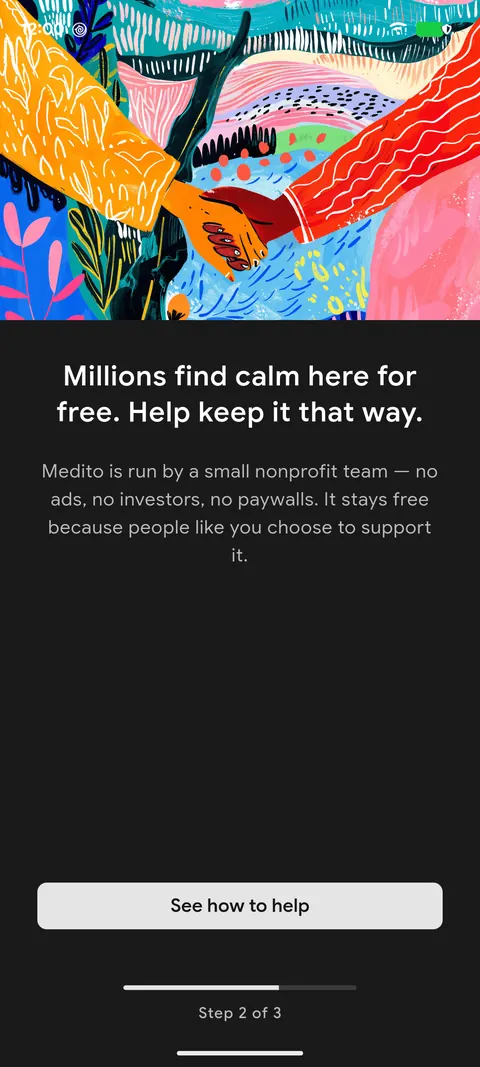
Screenshots: © Medito Stichting, shown for commentary.
See all 58 screens — create a free accountSee every screen
The full map has all 58 screens, every feature and where each one lives. It is free with an account.
What could be better
Our read of the map, the store listing and recent reviews.
Make audio playback start and resume reliably, including after the app is backgroundedmedium
Reviews report content that never loads, playback that stops mid-track and a lingering media notification. Use a tested player service with retry, clear error states and cleanup of the notification when a session ends.
Keep the reminder time and session length the user set, instead of resetting to defaultssmall fix
Users say reminders can no longer be set for a fixed time and that a 10-minute session kept running past its length. Store the chosen time and length, and do not replace them with a 'smart' default without asking.
Fix email-code sign-in so the code screen does not loop back to the email fieldsmall fix
A user reports that after copying the emailed code, the screen returns to the email entry and the new code is rejected. Make the code step stay on screen, accept the most recent code and show a clear error for expired codes.
Record streaks and session history automatically without a manual stats refreshmedium
Users report sessions no longer being tracked, a manual stats button being needed to update the streak, and a broken streak. Log each completed session at once and keep the streak in sync with the history calendar.
Show the donation ask once after onboarding, then only in settingssmall fix
Donation prompts recur in onboarding, after sessions and in settings, and one user says opening a session led to a donation ad. Keep one clear ask in onboarding and place the rest under settings, never before playback.
Ask for Health Connect and notification permissions after the first session, not during itsmall fix
Permission dialogs appear mid-first-session, which interrupts the first practice. Move these requests to a later moment, such as the reminder setup or a settings toggle, and explain each one before the system dialog.
Disclose how each guided narrator voice was produced in the voice selectorsmall fix
Two low-rated reviews say the voices sound AI-generated and distracting, and one doubts they are real people. Show a short note on how each narrator was recorded in the voice picker so users can judge before they play.
Add a playback tempo control so narration pace can be slowed for each trackmedium
A reviewer says tracks are narrated too fast to relax to. Add a pace control in the full-screen player that changes narration speed without changing pitch, separate from the existing playback speed.
Want an app like this, but better?
Tell us the idea. We research it, and build it for you.
Submit your idea