
How NYTimes: US and Global News works
The New York Times Company · News & Magazines
Android
What it does
News app from The New York Times: top stories, sections, video, podcasts, games, saved reading list.
Who it is for: People who want news, video, podcasts, games, and a saved reading list from The New York Times.
Key features
Settings
Theme, text size, notifications, privacy, delete account.
News feed and sections
Today, Most Shared, Lifestyle, Games, Opinion, Sections, Watch, Shows.
Sign-in with Google
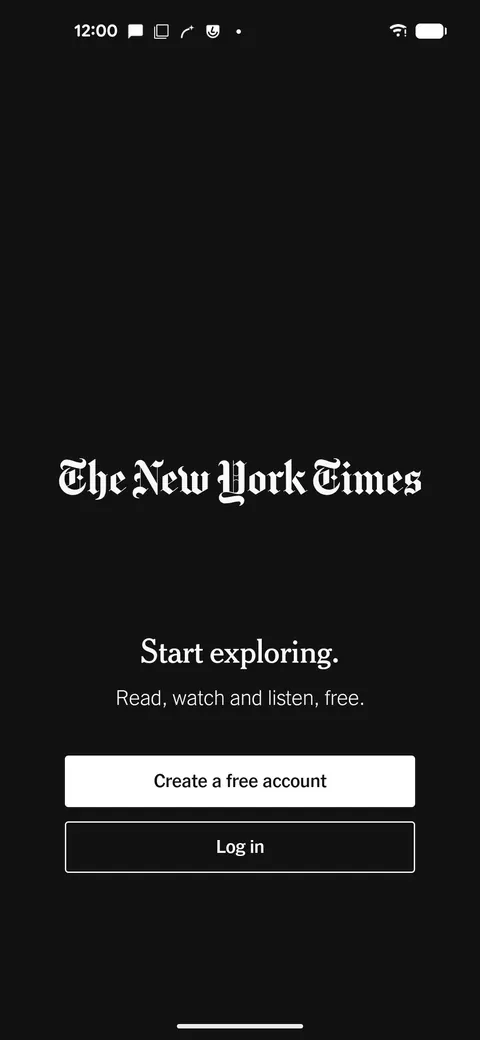
Account creation via Google, then upsell and preferences.
Reading and saving
Article reader, save, share.
Search with AI summary
Suggestions and AI summarised results.
The main user flow
- Sign in with Google
- Read a story
- Search with AI summary
- Save an article
- Manage notifications
- Navigation
- Bottom tabs Home, Watch, Shows, You; top scrollable tab strip on Home (Today, Most Shared, Lifestyle, Games, Opinion, Sections).
- Onboarding
- Welcome, account (email or Google), subscription offer, newsletter picks, notification permission.
- How it makes money
- Freemium: All Access subscription (intro offer shown), some stories free, in-app purchases and ads.
Screenshots
10 of 35 screens, captured on a real phone with sample data.
Article Text size Article overflow menu Share article Today Sections Search suggestions Most Shared Subscribe offer Welcome - +25 more screensFree with an account
Screenshots: © The New York Times Company, shown for commentary.
See all 35 screens — create a free accountSee every screen
The full map has all 35 screens, every feature and where each one lives. It is free with an account.
What could be better
Our read of the map, the store listing and recent reviews.
Remove scroll stalls in the article reader and reduce ad interruptions while scrollingmedium
Readers report scrolling that freezes or ignores touches inside articles, and ad placement is blamed. Reserve ad slots between paragraphs, keep the scroll thread free of ad loads, and test on common Android devices.
Show the trial terms and the renewal date before any subscription chargesmall fix
Users say a free trial was not presented upfront, renewal happened automatically, and cancelling required a phone call. Show price, trial end and renewal date on the offer screen, and offer in-app cancellation.
Show one paywall, after the first article, and never prompt paying readers to subscribesmall fix
Current flow puts the offer straight after account creation and reviewers say existing subscribers are asked again. Gate the offer behind a reading limit and check entitlement before any prompt.
Fix launch crashes and tab screens that fail to loadmedium
Reviewers report crashes on open, crashes mid-article, and section tabs that show nothing. Add crash reporting per screen, a retry on failed tab loads, and a clear error state.
Rank search results by query match and label AI summaries clearlymedium
Specific keyword queries return results unrelated to the terms. Match exact names and phrases first, and show which results are AI-generated versus source articles.
Let readers save articles for offline reading and download them ahead of timelarge
Readers cannot read saved articles without a connection, which hurts commuters and flights. Add a download action on saved articles and a clear offline indicator.
Make sign-in recoverable with clear error messages and a working code resendsmall fix
Some users cannot pass the sign-in screen or get verification codes that do not work. Show specific errors, allow email or Google retry, and resend codes with a visible timer.
Let readers reorder home tabs and keep saved sections visible in the You tabmedium
Users cannot customise home tabs and a redesign removed sections they used. Let readers pin and reorder tabs, and keep common settings out of a bottom sheet.
Want an app like this, but better?
Tell us the idea. We research it, and build it for you.
Submit your idea