
How Pocket Casts - Podcast App works
Automattic Inc. · News & Magazines
Android
What it does
Podcast player and discovery app: follow shows, download episodes, queue and smart playlists, with a paid Plus tier for folders, cloud files and themes.
Who it is for: People who want to listen to podcasts on their phone, follow shows, manage downloads and playlists, and optionally upgrade to a paid tier.
Key features
Deep settings
Auto-download, archive, skip, headphone controls, OPML.
Library and episodes
Follow shows, episode lists, downloads, sorting, archive.
Interest onboarding
Pick topics and follow suggested shows before any account.
Smart playlists
Rule-based auto playlists.
Discover and search
Curated lists, trending, categories and search/RSS add.
Up Next queue
Queue with reorder, shuffle and multi-select.
The main user flow
- Pick topics and follow shows
- Discover and follow a show
- Add episodes to Up Next
- Tune auto-download/archive in Settings
- Navigation
- Bottom bar: Podcasts, Playlists, Discover, Up Next, Profile; settings from Profile; mini player docks above the bar.
- Onboarding
- Interest chips then suggested shows; account is optional and skippable.
- How it makes money
- Free app; Plus subscription $39.99/yr or $3.99/mo unlocks folders, themes, 20 GB cloud storage, transcripts.
Screenshots
10 of 53 screens, captured on a real phone with sample data.
Podcasts (library grid) Playlists Rule: Episode Status Search results Pocket Casts Plus paywall Settings Welcome carousel Playlist overflow menu Smart rules About - +43 more screensFree with an account
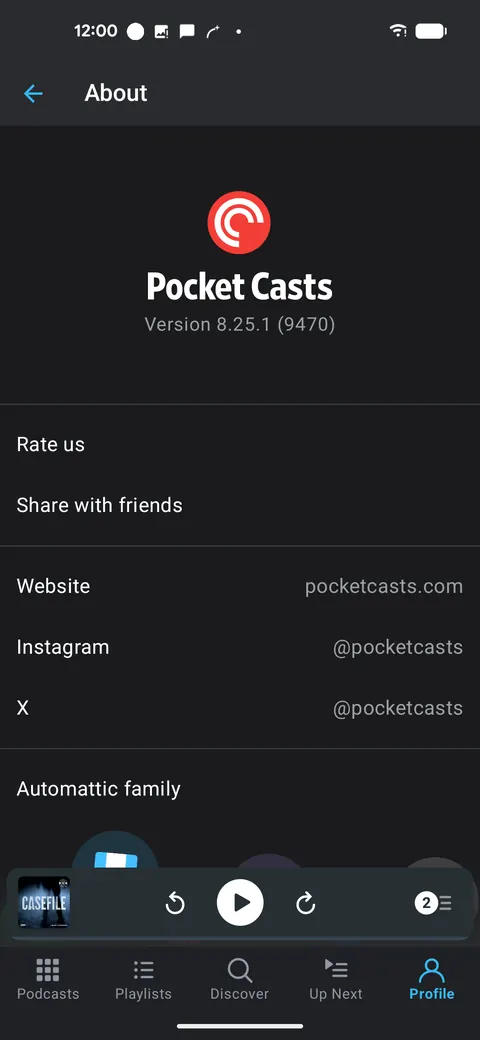
Screenshots: © Automattic Inc., shown for commentary.
See all 53 screens — create a free accountSee every screen
The full map has all 53 screens, every feature and where each one lives. It is free with an account.
What could be better
Our read of the map, the store listing and recent reviews.
Keep audio playing continuously and resume where the listener pausedlarge
Episodes stop, skip, replay or cut off mid-play, and resume fails after pausing. Build a playback engine tested across backgrounding, casting and queue handoff, with a regression suite for these cases.
Make Android Auto browse and play podcasts by show and episodemedium
In the car, users cannot pick shows or see new episodes, and the subscription page disappeared. Restore a show list, latest-episode refresh and a voice- or large-target-friendly search for driving.
Turn off automatic downloads everywhere with one master switchsmall fix
Downloads start despite being disabled in several places, and default settings fetch episodes unasked. Offer one clear off switch and make no download default until the user opts in.
Add next and previous episode buttons and simplify the Up Next controlsmedium
Up Next has crowded controls and no direct skip to the next item, so users seek with the progress bar. Add next/previous buttons and group rarely used actions under one menu.
Keep the chosen episode sort and offer oldest-first sequential playsmall fix
Sort resets to default after each change, and users want oldest-first or the next newer episode. Persist the sort per show and add a play-next-in-order option.
Show Plus prices and trial terms before any sign-insmall fix
Users must create an account to see costs, and some reject the subscription's value. Show plan prices and what Plus includes on a public page, before sign-up, and link the free trial terms.
Cap background CPU, memory and battery use during audio playbackmedium
Reviews report very high memory use and heavy battery drain while only playing audio in the background. Profile background services, release unused resources and show a battery and data budget in settings.
Want an app like this, but better?
Tell us the idea. We research it, and build it for you.
Submit your idea