
How Spotify: Music and Podcasts works
Spotify AB · Music & Audio
Android
What it does
Streaming service for music, podcasts and audiobooks with a free ad-supported tier on mobile and Premium upsells.
Who it is for: People who want to stream music, podcasts and audiobooks on their phone, with a free ad-supported tier or Premium.
Key features
Settings
Privacy, playback, quality, notification preferences.
Library and playlists
Like songs, create and edit playlists, library filters.
Playback and queue
Mini player, full player, queue, mix, shuffle, repeat, timer.
Search and browse
Search with filters, genre cards and category tiles.
Listening stats
Weekly stats and past weeks.
Sharing
Share cards, copy link, SMS.
The main user flow
- Search, open a playlist, play a track
- Like a song and add it to a new playlist
- Browse the library and create playlists/Blend/Jam
- Tune settings (privacy, quality, notifications)
- Navigation
- Bottom tabs Home, Search, Your Library, Create; avatar opens a left drawer to profile, stats and settings; persistent mini player opens full player.
- Onboarding
- Welcome screen (sign up free / log in), Continue with Google, then a notification permission prompt.
- How it makes money
- Free with ads and limited controls; Premium plans (Individual, Family, Free Premium for friends) pitched in account screens; in-app purchases $4.99-$203.88.
Screenshots
10 of 27 screens, captured on a real phone with sample data.
Home Your Library Playlist with mini player Search Settings and privacy Now playing menu Profile drawer Queue Share track card About and support - +17 more screensFree with an account
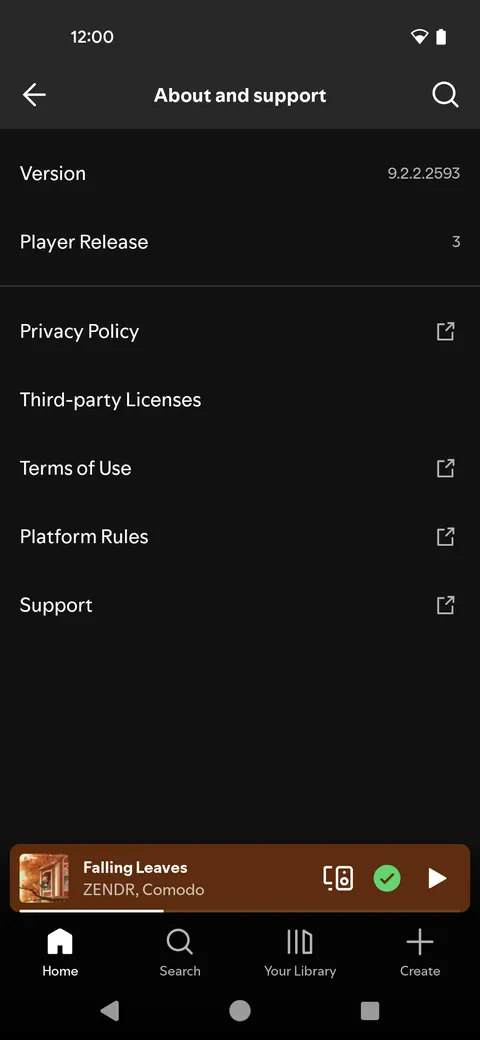
Screenshots: © Spotify AB, shown for commentary.
See all 27 screens — create a free accountSee every screen
The full map has all 27 screens, every feature and where each one lives. It is free with an account.
What could be better
Our read of the map, the store listing and recent reviews.
Show free-tier skip and shuffle limits before the user taps playmedium
Free users find skip limits and shuffle-only playback only after tapping, so they feel misled. Show remaining skips and the shuffle-only rule on the track row and player before playback starts.
Cap ad breaks per hour and show ad length before playbackmedium
Free users report ads every two songs and ad breaks longer than stated. Set a visible hourly ad cap, show each break's length before it starts, and stop ad breaks on the startup screen.
Add a clear recovery path for logged-out accounts with email codesmedium
Users get logged out, then see 'no account' errors for their own email and sign-in codes that never arrive. Show which sign-in method the account uses and offer a recovery flow that does not depend on one email code.
Load cached library and playlists first for large librarieslarge
Users with large libraries wait minutes for playlists and the library to load, and offline use stalls. Show cached library and playlist rows at once, then refresh in the background.
Rebuild the queue from the chosen source when shuffle is tappedmedium
Shuffle on Liked Songs keeps the previous queue order, and some listeners hear the same few tracks repeatedly. Build a new shuffled queue from the source the user picked when shuffle is tapped.
Filter home and audiobook shelves by listener's country and languagemedium
New accounts see regionally irrelevant home shelves, and audiobooks are listed without a local-language version. Ask for region and language at signup and filter shelves and the audiobook catalogue by them.
Show promo activation status and steps when premium is not activemedium
A user paid for a promo, premium never activated, and support refused the claim. Show payment and activation state in account settings, and check promo eligibility before charging.
Want an app like this, but better?
Tell us the idea. We research it, and build it for you.
Submit your idea