
How CamScanner - scanner, PDF maker works
INTSIG PTE. LTD. · Productivity
Android
What it does
CamScanner turns a phone into a portable scanner, capturing documents and converting them to PDF, JPG and office formats with OCR. It also offers PDF editing tools, e-signing and cloud storage for scanned files.
Who it is for: People who want to use their phone as a portable scanner to capture documents, convert them to PDF or office formats, and edit, sign, or store them.
Key features
Account sign-in
Sign in via Google, phone number or email.
Phone verification
Verifies phone number with a code, with country code selection.
Import device files
Imports documents from device storage.
Camera permission
Requests camera access needed for scanning.
PDF conversion
Converts between PDF and Word, Excel, PPT and images.
CS Files
In-app cloud file storage used when importing documents.
The main user flow
- Scan a document with the camera via Smart Scan or Scan new docs
- Import images or files and convert them (PDF, Word, Excel, PPT, images)
- Use PDF Tools to edit, merge, compress, sign or protect PDFs
- Send documents for e-signature and track pending or signed status
- Search files by name or text found inside scanned images
- Navigation
- Bottom tab bar with Home, Files, Tools, EDU and Me, plus a global search screen with All/Files/Tools tabs.
- Onboarding
- A short launch splash and a 'new features' tip; sign-in is offered but not required to start.
- How it makes money
- Visible: 'Upgrade Now' and 'Upgrade my Account' prompts, a Premium paywall with a 3-day free trial then $11.99/week or a $29.99 yearly plan, EDU free premium, and a premium upsell banner on PDF Tools. No ads seen.
Screenshots
10 of 50 screens, captured on a real phone with sample data.
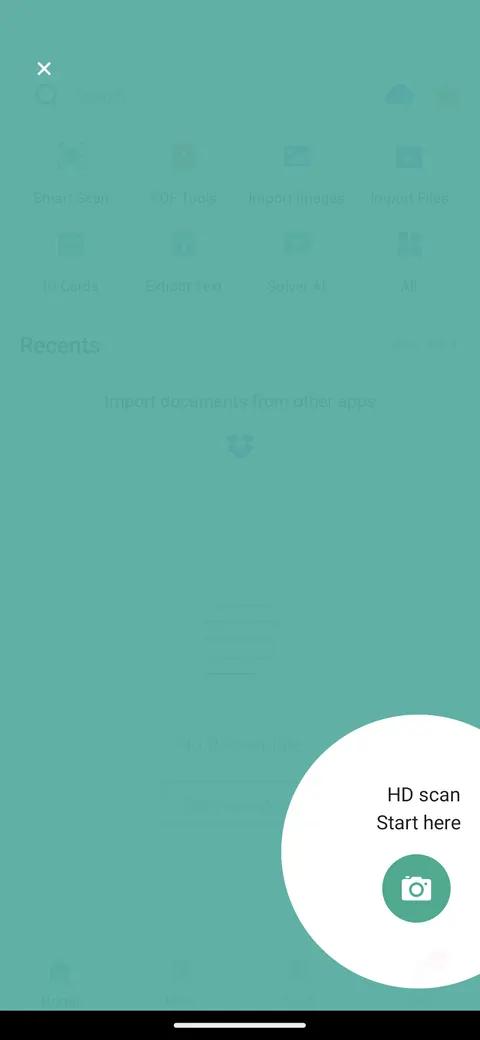
Home - recent files list PDF Tools catalog Import Files - source picker Search - Files tab Me - account and settings Smart Scan - camera permission menu Import documents sheet Premium paywall - free trial Phone sign-in form Launch - HD scan intro - +40 more screensFree with an account
Screenshots: © INTSIG PTE. LTD., shown for commentary.
See all 50 screens — create a free accountSee every screen
The full map has all 50 screens, every feature and where each one lives. It is free with an account.
What could be better
Our read of the map, the store listing and recent reviews.
Show trial-end charge date and amount on paywall; remind before trial endssmall fix
Paywall shows a weekly renewal beside a yearly plan, and users say trial charges came without warning. Show the first charge date and amount on the paywall, send a reminder before the trial ends, and offer in-app cancel.
Cap interstitial ads per session and add a visible close control on every admedium
Reviewers say ads appear after every click, cover the screen and cannot be closed. Limit ad frequency, skip ads after paid actions, and always show a clear close button on each ad.
Restore purchased entitlements on new devices and stop re-prompting paid usersmedium
Paying users on a new device are told to upgrade again and lose paid functions after updates. Restore purchases on sign-in and hide upgrade prompts for active subscribers.
Show the paywall only at the point of a locked action, with the reason shown firstsmall fix
Users reach a paywall after scanning a batch, or cannot share without paying. Show the paywall before a locked action starts and name the feature being unlocked, so users are not stopped after work is done.
Fix crashes, freezes and sync failures before adding new featuresmedium
Users report crashes, freezes and stalled syncs that block access to scanned files. Ship a stability release and test large folder sync and save-to-device paths before new paid features.
Replace permission walls with a try-first scan before any camera or sign-in promptsmall fix
Smart Scan and core tools open camera or gallery permission prompts before any value is shown. Let the first scan run, then ask for permission at the point it is needed.
Show guidance and sample content in empty Home, Files and Message Center statessmall fix
Fresh installs show an empty recents list and empty inbox with little guidance. Add a short first-scan guide and sample file so new users see what the app does before any prompt.
Want an app like this, but better?
Tell us the idea. We research it, and build it for you.
Submit your idea