
How Firefox Focus: No Fuss Browser works
Mozilla Corporation · Communication
Android
What it does
Mozilla's privacy-first minimalist browser: blocks trackers, clears history on exit, single private session.
Who it is for: People who want a minimalist, privacy-focused browser that blocks trackers and clears history on exit for single private sessions.
Key features
Settings
Theme, search, advanced, about.
Tracking protection
Per-site shield and global ETP toggles.
Dark theme
Light, dark or follow device.
Private browsing
Single-tab browsing with history erase.
Shortcuts
Pin sites to home.
Find in page
In-page search.
The main user flow
- Onboarding -> type URL -> browse
- Tap shield -> per-site tracker panel
- Menu -> Add to Shortcuts / Find in Page
- Trash -> erase history
- Navigation
- Single address bar home; overflow menu; tab counter popup; settings from menu.
- Onboarding
- Two intro pages with optional default-browser prompt.
- How it makes money
- Free, no ads; funded by Mozilla.
Screenshots
10 of 25 screens, captured on a real phone with sample data.
Home with shortcut Choose search engine Browsing a page Find in page Settings Welcome to Firefox Focus Page menu Tracking protection panel Notification permission Home (empty) - +15 more screensFree with an account
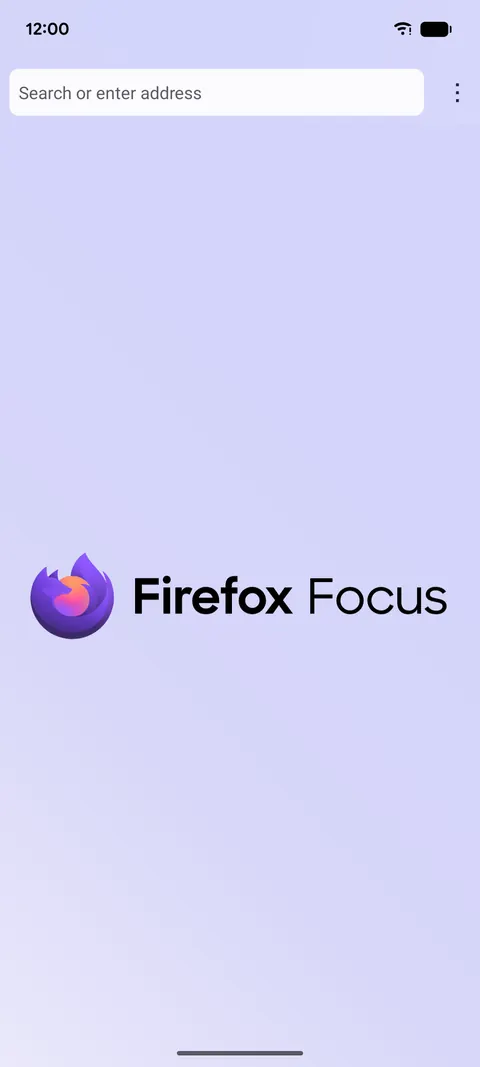
Screenshots: © Mozilla Corporation, shown for commentary.
See all 25 screens — create a free accountSee every screen
The full map has all 25 screens, every feature and where each one lives. It is free with an account.
What could be better
Our read of the map, the store listing and recent reviews.
Confirm before erasing tabs or history, and let users turn the confirmation offsmall fix
One-tap erase and Close other tabs act instantly and can wipe open tabs by accident. Show an OK/Cancel prompt for both actions, with a Settings toggle to skip it.
Keep tabs and pages from crashing or slowing down on heavy sites and low-memory deviceslarge
Users report crashes on single content-heavy pages, lag on 1 GB RAM devices, and slowdowns after updates. Test on low-RAM hardware and cap per-page memory use before shipping updates.
State exactly what the clear action removes, including cookies and sessionsmedium
Users think cookies or login sessions survive the clear, and they are not told that cookies are removed on restart. Show a clear summary of data types and change the post-erase banner to list them.
Offer a clear fallback when tracker blocking breaks sites, with per-site exceptionsmedium
Blocking causes consent-loop pages, bot checks, and sites that stop working. Add a one-tap per-site exception from the shield panel and a clear message when a page is blocked.
Show the keyboard on launch when the home address bar is emptysmall fix
The keyboard no longer opens on launch, which users say is the app's main use. Auto-focus the address bar on cold start, with a Settings option to turn it off.
Add tab reordering and tab groups to the tab switcherlarge
The switcher only offers add tab, close current, and close other tabs, so users cannot reorder or group tabs. Add drag-to-reorder and simple named groups to the tab popup.
Make the dark theme apply to web content as well as app screensmedium
Dark theme changes only the app UI, so web pages such as search results still show bright. Offer a page-darkening option and apply the theme to search result pages.
Want an app like this, but better?
Tell us the idea. We research it, and build it for you.
Submit your idea