How Audiomack: Music Downloader works
AUDIOMACK INC. · Music & Audio
Android
What it does
Audiomack is a music streaming and download app with artist, genre and chart discovery, playlists and an upload path for creators.
Who it is for: A music streaming and download app for listeners who want to discover artists, genres and charts, make playlists, and for creators who upload music.
Key features
Onboarding
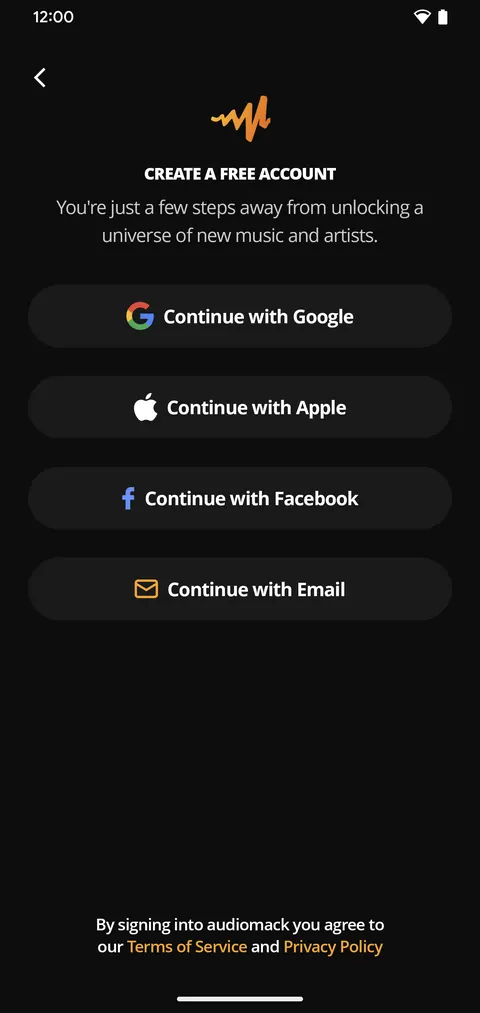
Welcome, artist picks, age and gender questions (generic answers), create-account options.
Home, Browse and charts
Home with genre pills, Find something new carousels and a Get Plus banner; Browse; Charts.
Feed and library
Feed of followed artists (empty state) and My Library.
Audiomack Plus
Plus upsell with a free trial and monthly price; shown and closed.
Permissions and prompts
Push notification pre-prompt and system permission, local-files prompt.
The main user flow
- Welcome, pick artists, answer age and gender, create an account (Google used for this map)
- Discover home carousels, browse genres, view charts
- Follow the feed and open My Library
- See the Audiomack Plus offer (shown and closed)
- Navigation
- Bottom bar: Discover (Browse), Charts, Search, Feed, My Library; top bar has Plus, upload, notifications and settings icons.
- Onboarding
- Artist picker with Skip, then an age wheel and a gender choice before the create-account screen. Next stays disabled until a choice is made.
- How it makes money
- Freemium: Audiomack Plus with a 7-day free trial then a monthly price, a one-time offer and a 40 million songs pitch. Nothing was purchased.
Screenshots
8 of 12 screens, captured on a real phone with sample data.
Age question Audiomack Plus offer Pick artists Welcome Notification permission Gender question Feed Create a free account - +4 more screensFree with an account
Screenshots: © AUDIOMACK INC., shown for commentary.
See all 12 screens — create a free accountSee every screen
The full map has all 12 screens, every feature and where each one lives. It is free with an account.
What could be better
Our read of the map, the store listing and recent reviews.
Cap ad frequency and never block the whole screen with ads or upsellsmedium
Users report ads every few songs and ads that cannot be closed. Ads and Plus upsells cover tabs and search. Limit ad frequency, make close controls always reachable, and never block a tab.
Let downloads work without an ad loop or a paywall lockmedium
Downloads require watching ads or a paid tier, and some users report repeated ads with no download. Offer a clear single path to download, with a defined cap, and confirm the file completes before asking for more.
Keep playback running when the app is backgrounded or the screen locksmedium
Playback stops when users leave the app or lock the phone, and some sessions cut out or lag. Keep audio playing with a media session and recover the queue after a crash.
Show clear offline and error states with retry instead of false network errorsmedium
Users with stable connections see connection or loading errors, and content does not load. Show whether the problem is the device or the server, cache recent content, and offer a retry action.
Keep downloaded songs in one reliable library that survives updates and re-loginlarge
Users report downloads disappear, must be restored or re-downloaded, and are not available as device files. Store downloads in a recoverable library that syncs after login and is visible in My Library.
Make sign-in work offline-aware and show the specific auth errorsmall fix
Users cannot sign in or stay logged in, and some are told to connect to the Internet despite a connection. Detect the state, keep the session, and show a specific sign-in error with a retry path.
Show one Plus offer after the first win with matching trial termssmall fix
The map records a 7-day trial in the summary but 30 days on the offer screen, and the offer repeats over tabs. Show one offer after a user completes a task, with the same trial length and price everywhere.
Want an app like this, but better?
Tell us the idea. We research it, and build it for you.
Submit your idea