How Blinkist: Book Summaries works
Blinks Labs GmbH · Education
Android
What it does
Blinkist sells condensed summaries of nonfiction books (Blinks, 15-minute reads and audio) with a Pro subscription.
Who it is for: Readers who want condensed summaries of nonfiction books in short reads or audio.
Key features
Onboarding
Goals, topics of interest, categories, title picks and value screens; three steps then the Go Pro offer.
Home, Explore and search
For You feed with Free Blink of the Day, Explore categories and latest titles, category pages, search with All, Blinks and Guides tabs.
Pro subscription offers
Go Pro plans, free-trial timeline and the 25% promo, shown and closed.
Settings and notifications
Account, content, dark mode, push notification preferences, playback.
Title page
Title detail with About and Outline tabs, Read and Play actions.
My Library
In progress titles, saved titles, downloads and extracts, history.
The main user flow
- Welcome, sign up or continue through the onboarding goals and interests
- Browse For You, Explore categories and search titles
- Open a title to read the summary, outline and chapter list
- Save titles to My Library and manage dark mode and push notifications
- Navigation
- Bottom bar: For You, Shorts, Create, Explore, My Library. Settings from the gear on Home.
- Onboarding
- Four steps (goals, interests, categories, title picks) with three value screens between them, then a Go Pro offer and a free-trial offer before the app opens.
- How it makes money
- Freemium: Pro (12-month plan, weekly equivalent shown), a 7-day free trial offer and a 25% promo over Home. Nothing was purchased.
Screenshots
10 of 25 screens, captured on a real phone with sample data.
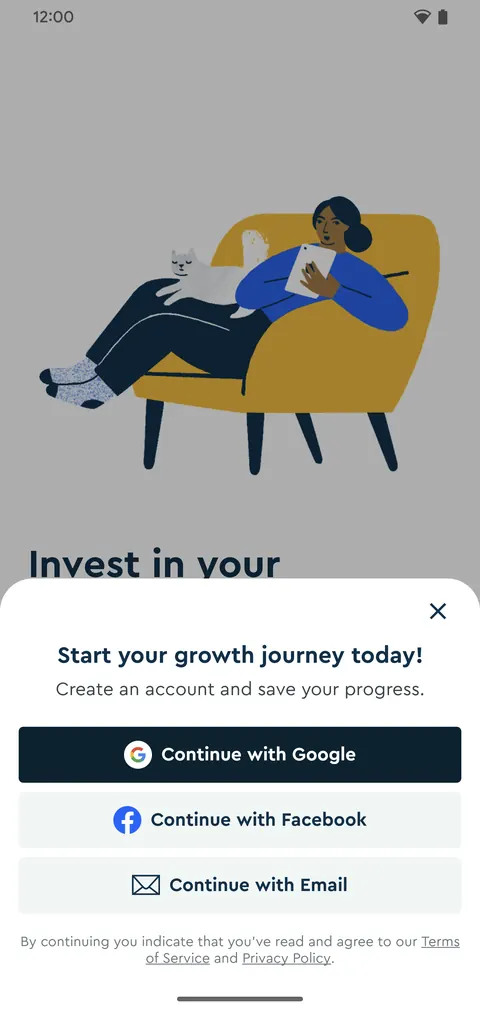
For You (home) Category: Psychology Title detail (Tiny Habits) Search (empty) Explore Go Pro paywall (onboarding) Settings Onboarding: value proposition 3 Welcome Create account sheet - +15 more screensFree with an account
Screenshots: © Blinks Labs GmbH, shown for commentary.
See all 25 screens — create a free accountSee every screen
The full map has all 25 screens, every feature and where each one lives. It is free with an account.
What could be better
Our read of the map, the store listing and recent reviews.
Send renewal reminders and show one-tap cancel with a clear refund path before billingmedium
Renewals and cancellation are the most-cited complaint, with charges after trials and no notice. Show the renewal date and amount before purchase, remind users before renewal, and cancel in-app with a refund path.
Let users browse one full title free before any paywall appearsmedium
Users say nothing is usable before paying. Put one free title fully playable after onboarding, and show the Go Pro offer only after that first win instead of stacking value screens and two paywalls first.
Fix audio buffering, crashes and slow launch on Androidlarge
Reviews report buffering, crashes during a summary, audio jumping ahead and slow loading. Profile launch and playback on Android and make the player recover without a restart.
Stop tapping a daily notification from starting audio playbacksmall fix
Tapping the daily push opens playback directly after an update, not the title's landing page. Route the tap to the title detail page and let the user choose to play.
Add a playback queue, listened filter and saved resume positionmedium
Users cannot reorder queued titles, hide finished ones, or resume where they stopped. Add queue reordering, a filter for unplayed titles, and per-title resume stored with the account.
Let users edit onboarding interests and categories from Settingssmall fix
Users answered onboarding questions that tailor recommendations but cannot change the answers later. Add an editable interests list in Settings and a 'not interested' action on titles.
Publish what each summary omits and label Blinks versus full booksmedium
Reviewers say summaries read as teasers or lose key messages. Show a short note per title on coverage and chapters covered, and label each title as a Blink or book in lists.
Want an app like this, but better?
Tell us the idea. We research it, and build it for you.
Submit your idea