How File Manager works
주식회사 알파인벤터 · Productivity
Android
What it does
File Manager + is an Android file explorer for browsing, searching, creating and organising files across internal storage, cloud accounts and network (NAS) locations. The home screen gives an at-a-glance view of storage use and file categories.
Who it is for: Android users who want to browse, search, create and organise files across phone storage, cloud accounts and network (NAS) locations.
Key features
Folder browsing
Navigate directories with breadcrumbs, up navigation and root folder list.
File and folder creation
Create new files or folders via the More options menu.
Navigation drawer
Side drawer with storage locations, bookmarks, history and shortcuts.
Storage analysis
Analyze action showing how storage is used.
Browsing history
Lists recently visited locations with an option to clear it.
Search
Search files and folders, optionally across all subfolders.
The main user flow
- Browse folders from the home screen or drawer, switch view and sort options, and open or search files
- Create a new file from More options > New > File with name validation
- Search within a folder, optionally across subfolders
- Manage bookmarks and review or clear browsing history from the drawer
- Navigation
- Home screen with a left navigation drawer holding storage locations, bookmarks, history, recycle bin and shortcut folders; folder screens use breadcrumbs and a navigate-up button.
- Onboarding
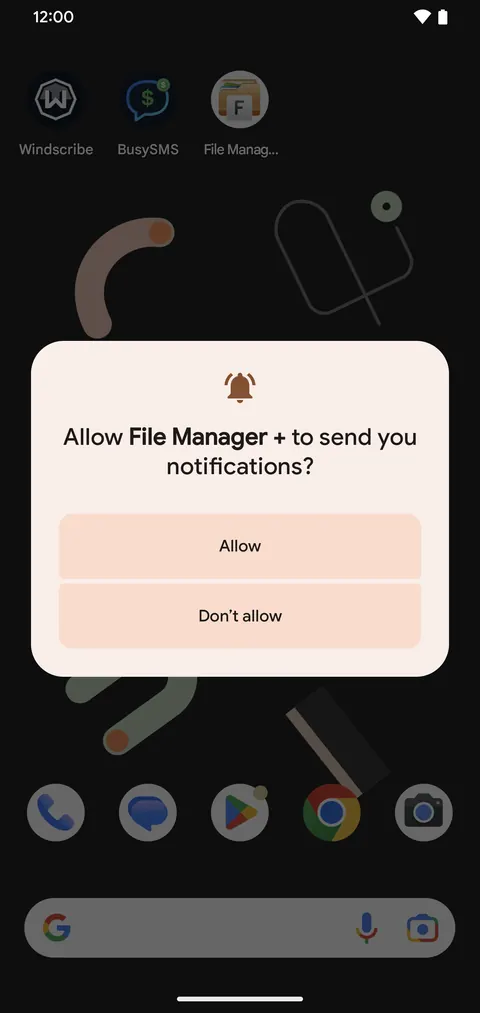
- Only a notification permission prompt is visible at launch; no tutorial or sign-in screen was captured.
- How it makes money
- A Premium button in the top bar, an 'Upgrade to Premium' button in the drawer, and a Premium label next to the app name; no prices or ads seen.
Screenshots
10 of 26 screens, captured on a real phone with sample data.
Home - storage overview Root folder list Folder view with upgrade prompt Search showing new file More options menu Navigation drawer with storage locations View and sort options sheet Main storage - empty folder Create file - empty name error Notification permission dialog - +16 more screensFree with an account
Screenshots: © 주식회사 알파인벤터, shown for commentary.
See all 26 screens — create a free accountSee every screen
The full map has all 26 screens, every feature and where each one lives. It is free with an account.
What could be better
Our read of the map, the store listing and recent reviews.
Show a persistent result log for every move, copy and transfer, with source and destinationmedium
Users report files vanishing or moving unexpectedly and cannot tell whether a move finished, because the only confirmation is a self-dismissing popup. Keep a visible per-job log with counts and a way to check each file's result.
Load folder contents immediately and index or generate thumbnails in the backgroundmedium
Folders take minutes to open because the app waits for every file to be analysed and indexed, and thumbnails regenerate on each visit. Show the listing first and run analysis and thumbnail work asynchronously with a cache.
Remember sort order and view mode across folders within a sessionsmall fix
Sort resets to 'No Sort' on every page change and is not kept in the session, so users reapply it each time. Store the sort and view choice globally, with an optional per-folder override in the View and sort sheet.
Add compress and extract actions to the file context menumedium
The context menu offers only Pin and Remove, and users say the app cannot compress files and is used only for viewing. Add zip create and extract actions to multi-select batch actions.
Keep ads out of file lists and file-operation screenssmall fix
Ads placed near file content are reported as intrusive, and a paying user still sees ads. The app contains ads at a freemium price of zero. Limit ads to the home screen, keep them away from list and grid content, and remove them for Premium buyers.
Sell Premium through purchases that can be shared with familymedium
Users say a Premium purchase cannot be shared with family, which makes the paid tier useless to them. Offer a shareable or family-eligible unlock where the store supports it, and show the purchase scope before checkout.
Make cloud, NAS and USB drive connections detect and mount reliablylarge
Users report USB drives not recognised, external ext4 drives not opening, FTP over NAS failing after updates, and OneDrive accounts not working. Add per-source connection status, clear error messages, and tested support for each protocol and file system.
Want an app like this, but better?
Tell us the idea. We research it, and build it for you.
Submit your idea