
How Adobe Lightroom: Photo Editor works
Adobe Inc. · Photography
Android
What it does
Lightroom is Adobe's mobile photo editor with sliders, presets, masking and AI tools, cloud sync and a community for sharing edits.
Who it is for: People who want to edit photos on their phone with sliders, presets, masking, and AI tools, with cloud sync and a community for sharing edits.
Key features
Menu, preferences and info
Navigation menu, preferences, what is new, about
Sign-in, consent and permissions
Adobe/Google sign-in with Skip, usage notice, Premium upsell, photo access permission
Home, gallery and library
Your edits, recent photos, tutorial tiles, device gallery with limited photo access, empty cloud library
Community
Community tab needs sign-in
Premium
Premium plans in USD with feature carousel; Sign in to subscribe
The main user flow
- Skip sign-in, allow photo access
- Open a photo from the device gallery and edit it
- Browse presets/community
- Navigation
- Bottom bar: Home, Gallery, Lightroom (cloud library), Community; hamburger menu for account, preferences and help.
- Onboarding
- Sign-in screen (Google, Adobe, Facebook, Apple) with Skip for now, usage-notice consent, a Premium upsell, then a photo-permission dialog and landing on Home.
- How it makes money
- Freemium: Premium subscription (yearly/monthly) unlocks Actions, Masking, Remove, Blur; upsell on first run and as lock badges in the editor toolbar.
Screenshots
10 of 12 screens, captured on a real phone with sample data.
Home Device gallery Lightroom Premium upsell Preferences Welcome to Community Navigation menu Lightroom library (empty) What is new Sign in Mobile app usage notice - +2 more screensFree with an account
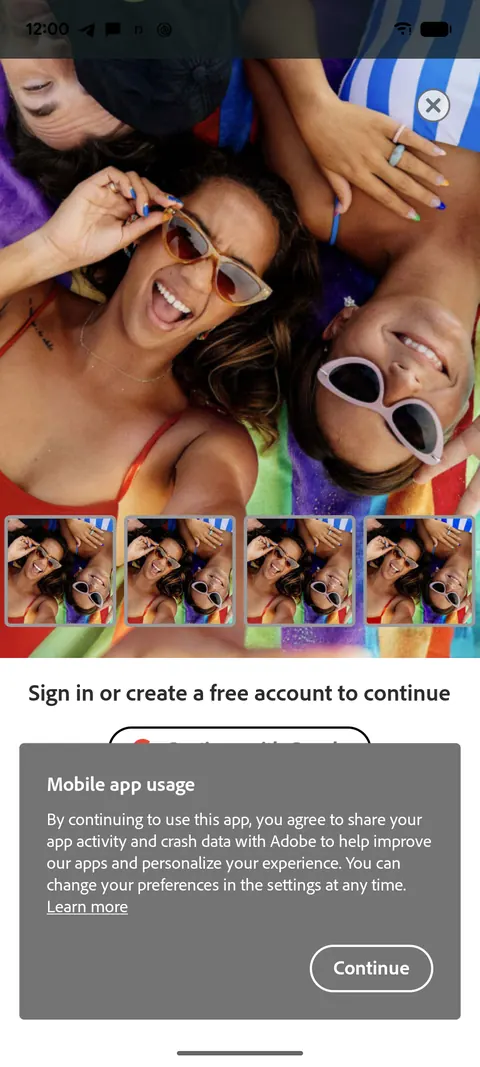
Screenshots: © Adobe Inc., shown for commentary.
See all 12 screens — create a free accountSee every screen
The full map has all 12 screens, every feature and where each one lives. It is free with an account.
What could be better
Our read of the map, the store listing and recent reviews.
Autosave edits continuously and restore them after a crash or restartmedium
Reviews say the editor crashes or closes and edits are lost or must be redone. Save every change as it happens and reopen the photo where the user left off.
Show the Premium paywall after the first completed edit, not after sign-insmall fix
Today the paywall appears right after the first Continue, before the user has seen value. Let users finish one edit with core tools, then offer Premium at that point.
Keep basic editing free and clearly mark which toolbar tools need Premiummedium
The editor toolbar mixes free and locked tools, and reviewers say the free tier is too limited for basic edits. Keep a core tool set free and label locked tools before the user taps them.
Show subscription status, cancellation path and what each plan includes before payingsmall fix
Reviewers cannot find how to cancel, cannot see their subscription, and say key platform limits were not disclosed. Show plan scope, platform access and a visible cancel link at purchase and in settings.
Add a setting to hide or disable the AI assistant and AI-generated labelssmall fix
Some users want no AI features in a creative editor and report AI labels on lightly edited photos. Add a preference to turn off the assistant icon and show AI labels only when AI was used.
Add a text size setting and layouts that keep labels readable on small tabletssmall fix
Users say labels are too small or hard to read on tablets and mini devices after an update. Add a font scale control in preferences and test labels at the largest scale.
Make the Android back button return to the previous screen inside the appsmall fix
Reviewers say back exits the app on many screens. Map back presses to in-app navigation so the user returns to the last screen first.
Show a read-only community preview before sign-in, with sign-in only to postmedium
The community tab is empty and needs an account, so a signed-out user sees nothing of value. Show sample public edits and require sign-in only for saving or sharing.
Want an app like this, but better?
Tell us the idea. We research it, and build it for you.
Submit your idea