
How Snapseed works
Google LLC · Photography
Android
What it does
Snapseed is a free, ad-free photo editor and camera app from Google. It offers a gallery, a camera with live looks and pro manual controls, and a library of film-style looks that can be imported via QR, presets or LUTs.
Who it is for: Snapseed is a free photo editor and camera app for people who want to edit photos, take pictures, and apply film-style looks.
Key features
In-app camera capture
Take photos with a live viewfinder, flash, zoom and camera flip.
Looks library
Manage installed looks and presets, including reorder and selection.
Grid lines overlay
Composition grid overlay: rule of thirds, golden ratio or 2x2.
Help and feedback
Help topics and a feedback channel.
Level indicator
Alignment aid for flat-lay, horizon or tilt.
Location metadata
Option to embed geo-coordinates into photo EXIF data.
The main user flow
- Open the gallery and pick a photo
- Capture a photo with the camera and apply a look
- Switch to Pro mode for manual exposure controls
- Import looks from a QR poster, preset file or LUT
- Configure grid, level and location settings in camera settings
- Navigation
- Gallery is the home screen with a menu for looks, help, feedback, settings and what's new. The camera is reached from the gallery and has Looks, Settings and Pro entry points.
- Onboarding
- Permission prompts for camera, photos and location, plus an introductory card for the new camera.
- How it makes money
- none seen
Screenshots
10 of 23 screens, captured on a real phone with sample data.
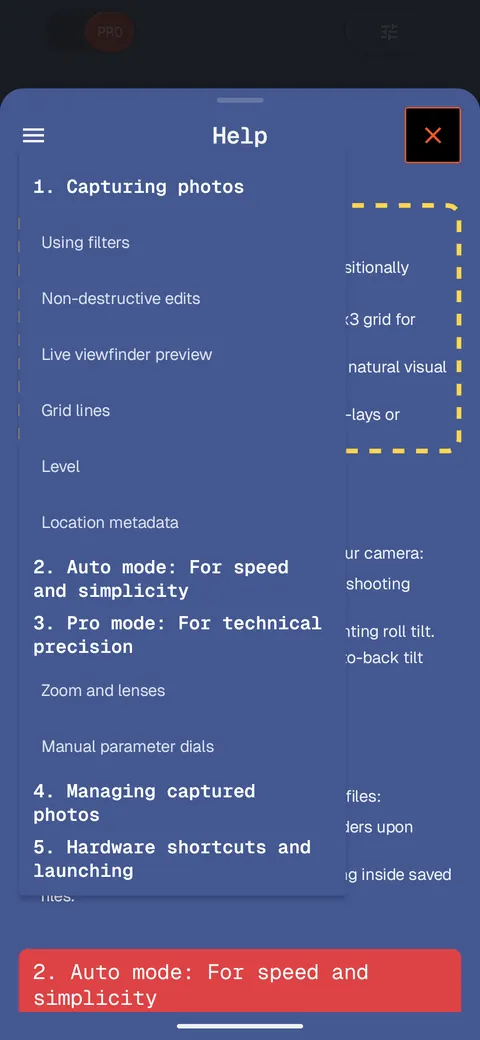
Gallery grid Camera looks panel with Just point and shoot Camera viewfinder with Snapseed camera intro Camera settings and looks list Gallery overflow menu Manage Looks (empty) Grid lines and level help Camera access needed for QR scan Camera permission dialog Help table of contents - +13 more screensFree with an account
Screenshots: © Google LLC, shown for commentary.
See all 23 screens — create a free accountSee every screen
The full map has all 23 screens, every feature and where each one lives. It is free with an account.
What could be better
Our read of the map, the store listing and recent reviews.
Keep long editing sessions stable and stop crashes after a few editsmedium
Reviews report crashes and freezes during editing and export, and one says the app cannot handle more than 3 to 5 edits in one session. Ship crash-free long sessions, tested on current Samsung and Pixel devices, before adding features.
Keep edits reversible and never drop or hide existing photos after an updatemedium
Users report that an update removed many fixed photos and that edits became irreversible outside the original file. Make every edit non-destructive with a visible undo history and migrate existing edits safely during updates.
Keep RAW photo editing working on every supported devicemedium
Users say RAW editing stopped working after an update, with a message that RAW editing is not supported on their device. Ship RAW decoding on all supported hardware and show a clear fallback when a file truly cannot be opened.
Keep the editing layout stable and offer a simple mode with fewer menusmedium
Many low reviews say the redesign made navigation harder and asked to bring back the previous layout. Keep a stable menu structure across updates and offer a simple mode that shows the common tools first, with the full set one tap away.
Add a brush and size slider for selective edits such as lens blur and healinglarge
Users say they cannot restrict lens blur to an area, and the healing tool lacks a size slider. Add a brush mask for selective edits and a size control for healing so users can target the exact area they want.
Merge look import from QR, preset files and LUTs into one guided flowsmall fix
The looks import flow spans several screens and empty states depend on finding the add control. Use one import entry point on the empty looks screen that offers QR, file and LUT sources in one step.
Put Pro camera controls behind a clearly labelled entry on the main camerasmall fix
Pro manual controls sit behind a small label, so users may miss them. Show a labelled Pro button on the main camera screen and a one-line explanation the first time it is opened.
Keep the app free with no ads and no in-app purchases, and say so in the store listingsmall fix
The app is free with no ads and no in-app purchases. A competing app can lead with that promise and keep every core editing and camera tool free, with billing terms stated plainly on the listing.
Want an app like this, but better?
Tell us the idea. We research it, and build it for you.
Submit your idea