
How LinkedIn: Community & Network works
LinkedIn Corporation · Business
Android
What it does
Professional social network: profile, connections, jobs, feed, messaging, learning.
Who it is for: A professional social network for people who want to manage a work profile, make connections, look for jobs, follow feeds, message contacts, and learn.
Key features
Guided onboarding
Location, job title, company, job intent, photo, people, follow suggestions.
Profile
View and edit professional profile.
Home feed
Recommendations and people suggestions.
Security verification
Captcha gate on risky actions.
The main user flow
- Sign in with Google
- Complete onboarding
- Edit profile
- Browse feed
- Navigation
- Bottom tabs Home, Jobs, My Network, Notifications, More; profile via avatar top-left; search bar and messaging top.
- Onboarding
- Eight-step guided flow: location, job title, company, job intent, photo, connections, follows, widget, notification prompt.
- How it makes money
- Freemium (Premium); ads and Premium nags shown; in-app purchases.
Screenshots
10 of 19 screens, captured on a real phone with sample data.
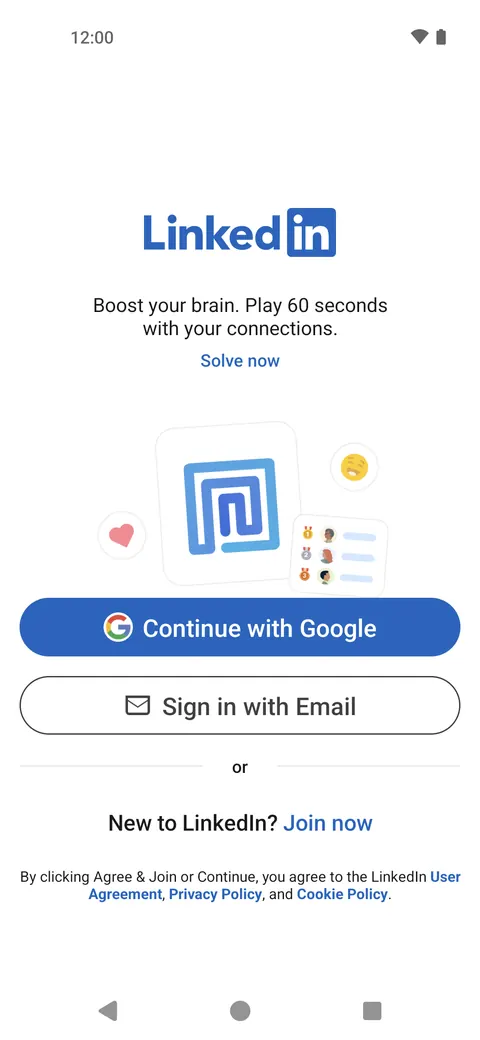
Home feed Onboarding: people you know My profile Onboarding: location Add photo sheet Onboarding: you're in Onboarding: company required Skip photo confirm Push notification pre-prompt Welcome / sign in - +9 more screensFree with an account
Screenshots: © LinkedIn Corporation, shown for commentary.
See all 19 screens — create a free accountSee every screen
The full map has all 19 screens, every feature and where each one lives. It is free with an account.
What could be better
Our read of the map, the store listing and recent reviews.
Give restricted accounts a visible reason, an appeal form and a tracked statuslarge
Users are locked out with no stated reason and cannot reach support. Show the restriction reason, a status page with dates, and an appeal form that does not depend on a captcha webview that never renders.
Show Premium charges and cancellation in-app with a refund pathmedium
Users report charges they did not expect and refunds refused by the store or support. Show price, renewal date and a one-tap cancel and refund request inside the app, with a clear billing summary.
Offer Google sign-in with explicit account choice and a working log-outmedium
Sign-in from a search result can create an account without clear consent, and some users cannot log out to reach their real account. Ask before creating an account and provide sign-out and account switching.
Keep sort by newest and full region filters in job searchmedium
Users say job search lost region choice and the newest-first sort, and that AI results repeat. Keep a region list with Worldwide, a sort by date, and an option to use the classic search.
Add one master switch and per-type controls for email and pushsmall fix
Users receive many emails and must open many sub-menus to opt out. Add a single off switch for email, grouped per-type toggles, and a clear push prompt that offers the same choices.
Remove promo screens from onboarding and keep upsells out of the first runsmall fix
Onboarding ends with game and widget promos and the app is criticised for heavy upselling. Remove promo-only screens from the flow and show Premium offers only after a user action.
Let owners view their own profile when visibility is limitedsmall fix
A user who limits profile visibility cannot see their own profile as others do. Add an owner preview mode that shows the public view without changing the visibility setting.
Want an app like this, but better?
Tell us the idea. We research it, and build it for you.
Submit your idea