
How PDF Scanner app - TapScanner works
SMART MEDIA INTERNET MARKETING LTD · Business
Android
What it does
TapScanner turns a phone camera into a document scanner and PDF toolkit. Users scan, import, organise and export documents, and can use AI-assisted tools and extra utilities such as calorie counting and plant scanning.
Who it is for: People who want to scan documents with their phone camera and organise, edit, or export them as PDF files.
Key features
Language selection
Choose the app display language from a long list.
Document library
Docs tab listing stored documents with search and import from files or gallery.
Document scanning
Capture documents via camera, gallery or file import using the Tap to Scan / Scan Now actions.
PDF export settings
Choose PDF direction and paper size, including custom sizes.
Ask AI assistant
Ask AI tab to add sources and review AI interaction history.
Quick tools
Shortcut tools such as IMG to PDF, Scan ID, Calorie Counter and Plant Scan, plus the full All Tools list.
The main user flow
- Scan a document via camera, gallery or file import from Home or the Tap to Scan button
- Browse and search saved documents in the Docs tab
- Adjust scan quality and PDF page size in Settings
- Back up documents to Google Drive or Dropbox
- Switch language and sign in from Settings
- Navigation
- Four bottom tabs (Home, Docs, Ask AI, All Tools) with a floating plus button for scanning; Settings and Upgrade to Premium are reached from the top bar.
- Onboarding
- A single welcome screen with a Continue button, then straight into the home screen.
- How it makes money
- Visible: an 'Upgrade to Premium' button in the top bar, a paywall offering a 3-day free trial then $5.99/week or $49.99/year, and Pro badges on several tools.
Screenshots
10 of 38 screens, captured on a real phone with sample data.
Home - scan and tools hub Docs - document list Docs search - Finnish Settings Ask AI - add source menu Select file - empty state (Finnish) Premium paywall Onboarding - welcome Add source dialog (Finnish) Camera permission request - +28 more screensFree with an account
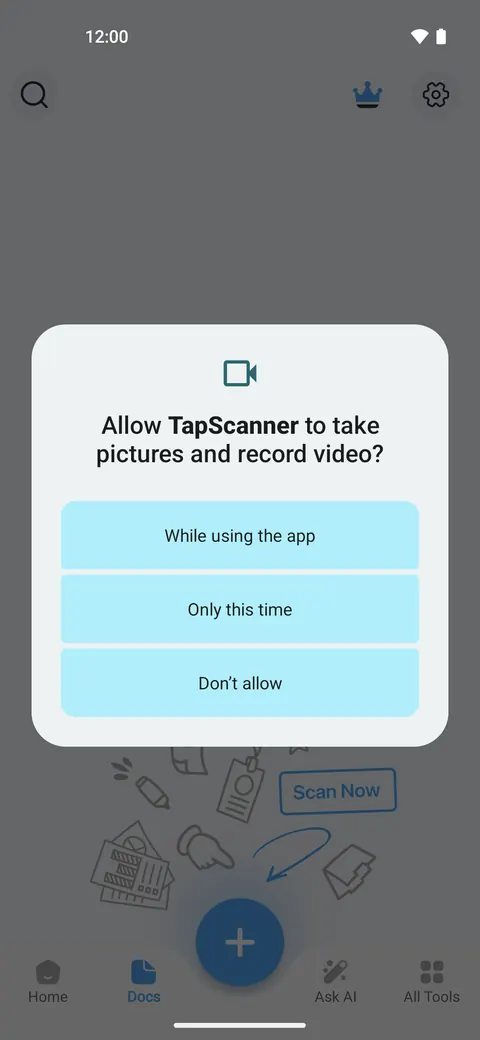
Screenshots: © SMART MEDIA INTERNET MARKETING LTD, shown for commentary.
See all 38 screens — create a free accountSee every screen
The full map has all 38 screens, every feature and where each one lives. It is free with an account.
What could be better
Our read of the map, the store listing and recent reviews.
Let free users save and export documents without a paid upgrademedium
Free users are told to pay before they can save or download finished scans. Keep saving and exporting free, and limit only premium extras such as AI and business tools.
Export free scans without a watermarksmall fix
Free exports carry a watermark that only a paid upgrade removes, which users read as a bait move. Ship clean free exports and put the watermark removal, if any, behind a clearly stated option.
Offer a free daily allowance that is stated upfront, not a hidden page capmedium
Users hit undisclosed daily page and share caps mid-task and feel blocked. Show the allowance before scanning starts, with a clear count of what remains, and avoid cutting off a scan already in progress.
Show full recurring price and trial terms on the first paywall screensmall fix
Trial, renewal and charge amounts appear in small print, and users report surprise charges and cancellation trouble. Show the price, renewal period and cancel path on the same screen as the Continue button, with a cancel reminder before the trial ends.
Reduce paywall interruptions to a few set pointssmall fix
Upgrade prompts and ads interrupt users repeatedly, which drives low ratings. Limit upgrade prompts to specific moments such as after a completed scan, and keep ads from looking like close buttons.
Show brightness and contrast controls applied to every page at oncemedium
Filter and brightness changes fail on later pages, so users must redo each one. Apply the chosen adjustment to all pages in one step, and show a preview before the scan is saved.
Add a clear path back when camera permission is deniedsmall fix
The denied-permission sheet has an unclear way back to scanning. Show the exact setting to enable, a button that opens it, and a retry on return from system settings.
Keep AI and off-topic tools out of the core scan flow as opt-in extrasmedium
Calorie, plant and fashion tools sit beside scanning on Home and in All Tools, and AI answers are unwelcome for some users. Keep Home focused on scan, and show AI and extras only when the user opens them.
Want an app like this, but better?
Tell us the idea. We research it, and build it for you.
Submit your idea