
How Photomath works
Google LLC · Education
Android
What it does
Photomath scans a photo of a math problem and offers step-by-step solutions with explanations. It also has a typed calculator with alternative forms and solutions. Users can set math notation preferences.
Who it is for: For students and others who want help with math problems, using a photo scan, a calculator, or step-by-step explanations.
Key features
Math calculator
Type expressions on a math keypad and solve them.
Math display preferences
Settings for decimal sign, binomial and repeating decimal notation, and preferred animated methods.
Camera math scan
Photograph a math problem to get it recognised and solved; needs camera permission.
Help center
In-app help and camera how-to; the help center page failed to load during crawl.
Photomath Plus subscription
Paid tier with a 7-day free trial then $4.99/month; restore purchase option.
About us
Company info, contact email, address and legal links.
The main user flow
- Photograph a math problem with the camera (permission required)
- Type an expression on the calculator keypad and view Show Solution or Alternative Form
- Adjust math display settings (decimal sign, binomial and repeating decimal notation, animation methods)
- Subscribe to Photomath Plus from the menu or paywall
- Navigation
- A home screen with a camera prompt and calculator entry, a side menu (language, Settings, Help center, About us, Plus), and back-arrow navigation to subpages.
- Onboarding
- Camera permission prompt on first launch with 'While using the app', 'Only this time' and 'Don't allow' choices; no tutorial seen in the crawl beyond the help camera tips.
- How it makes money
- Photomath Plus is visible: a Plus landing page, a paywall offering 7 days free then $4.99 per month, and a Restore subscription option. Animated tutorials and in-depth explanations are Plus features.
Screenshots
10 of 23 screens, captured on a real phone with sample data.
Open-source licenses list Open-source license detail - Accompanist Calculator - show solution and alternative form Camera help - how to scan Photomath Plus feature overview Settings - math preferences Home - side menu with language and subscription Language selection dialog Help center - failed to load Calculator - alternative form view - +13 more screensFree with an account
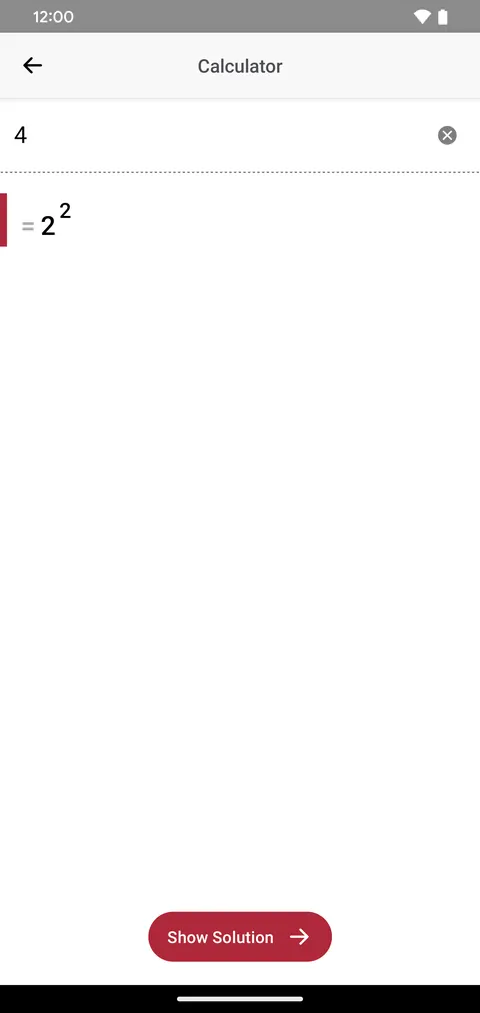
Screenshots: © Google LLC, shown for commentary.
See all 23 screens — create a free accountSee every screen
The full map has all 23 screens, every feature and where each one lives. It is free with an account.
What could be better
Our read of the map, the store listing and recent reviews.
Show a recognised expression for confirmation before solving a scanned photomedium
Scans often end in 'not recognised' and the user cannot see what was read. Show the detected expression for editing and confirmation before the solution is shown.
Keep full basic steps free and gate only deeper explanations behind paymentmedium
Reviews say steps are locked behind payment, leaving only a final answer. Show worked steps on the free tier and put animated tutorials and in-depth tips behind the paid tier.
Add diagram, graph and geometry support, and publish a list of supported problem typeslarge
Reviews say diagrams, graphs and geometry fail. Publish supported problem types and show that list when a scan or entry is unsupported.
Bundle help content in the app and keep the calculator usable offlinelarge
The help center failed to load and solving reports network errors. Bundle help pages and camera tips in the app, and keep the calculator working without a connection.
Replace the Google app redirect on failed scans with an in-app reason and retrymedium
When a scan fails, users are sent to the Google app or Google Lens. Return an in-app reason and a retry option so the user stays in the app.
Show a clear reason and free trial terms before the paywall, not after failuresmall fix
The paywall is reached from the menu and reviewers feel charged for simple questions. Show the free trial and post-trial monthly price on the same screen, and only after a completed solve.
Stop showing a blocking dialog on home after camera permission is deniedsmall fix
After camera permission is denied, the home screen repeatedly shows a blocking dialog. Show a dismissable notice with an App Settings link and keep the calculator reachable.
Label each math notation setting with a sample of its effectsmall fix
Notation settings for decimal sign, binomial coefficients and repeating decimals have little explanation. Add one line and a sample result under each option.
Want an app like this, but better?
Tell us the idea. We research it, and build it for you.
Submit your idea